Description
Get Early Access While Offer Lasts
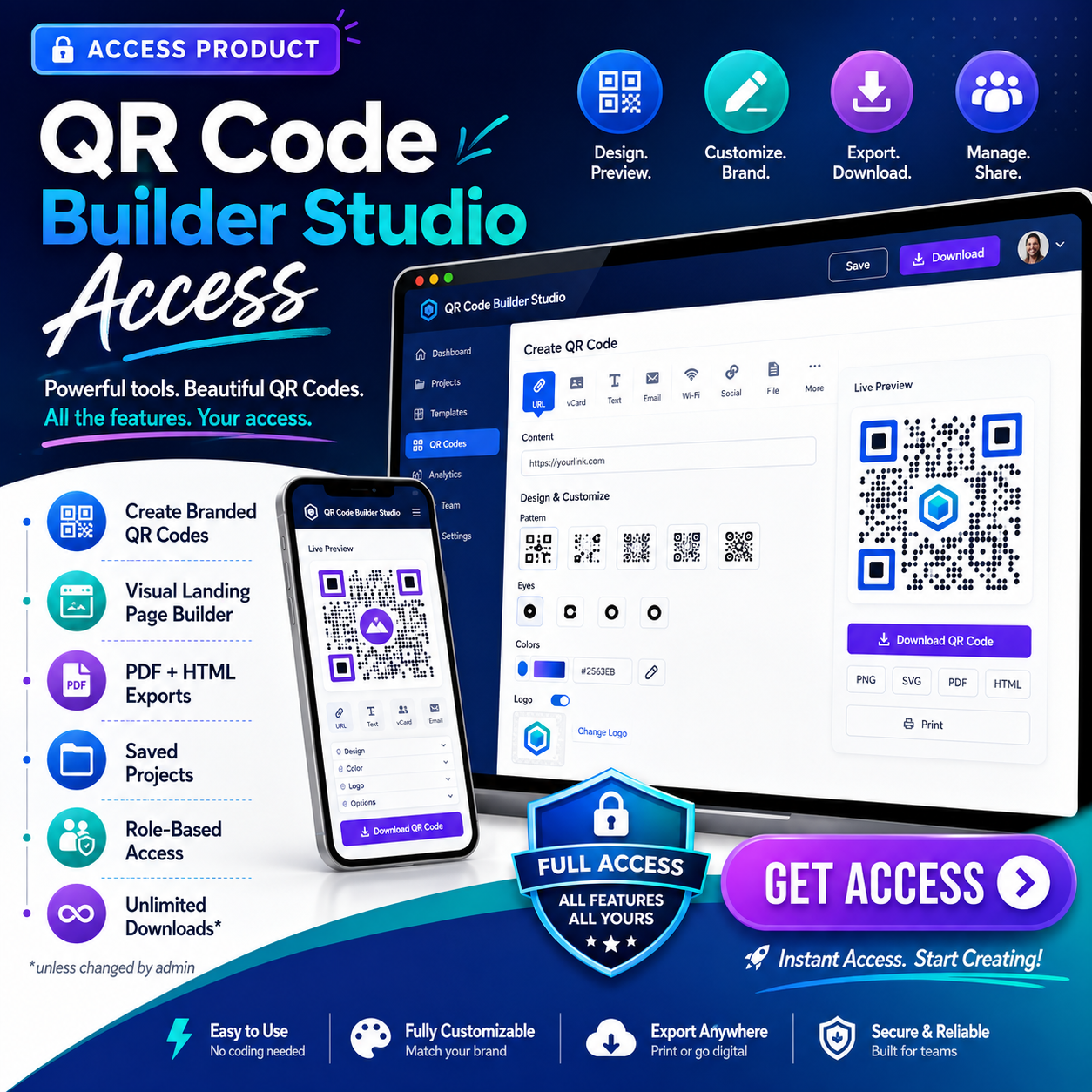
QR Code Builder Studio Access
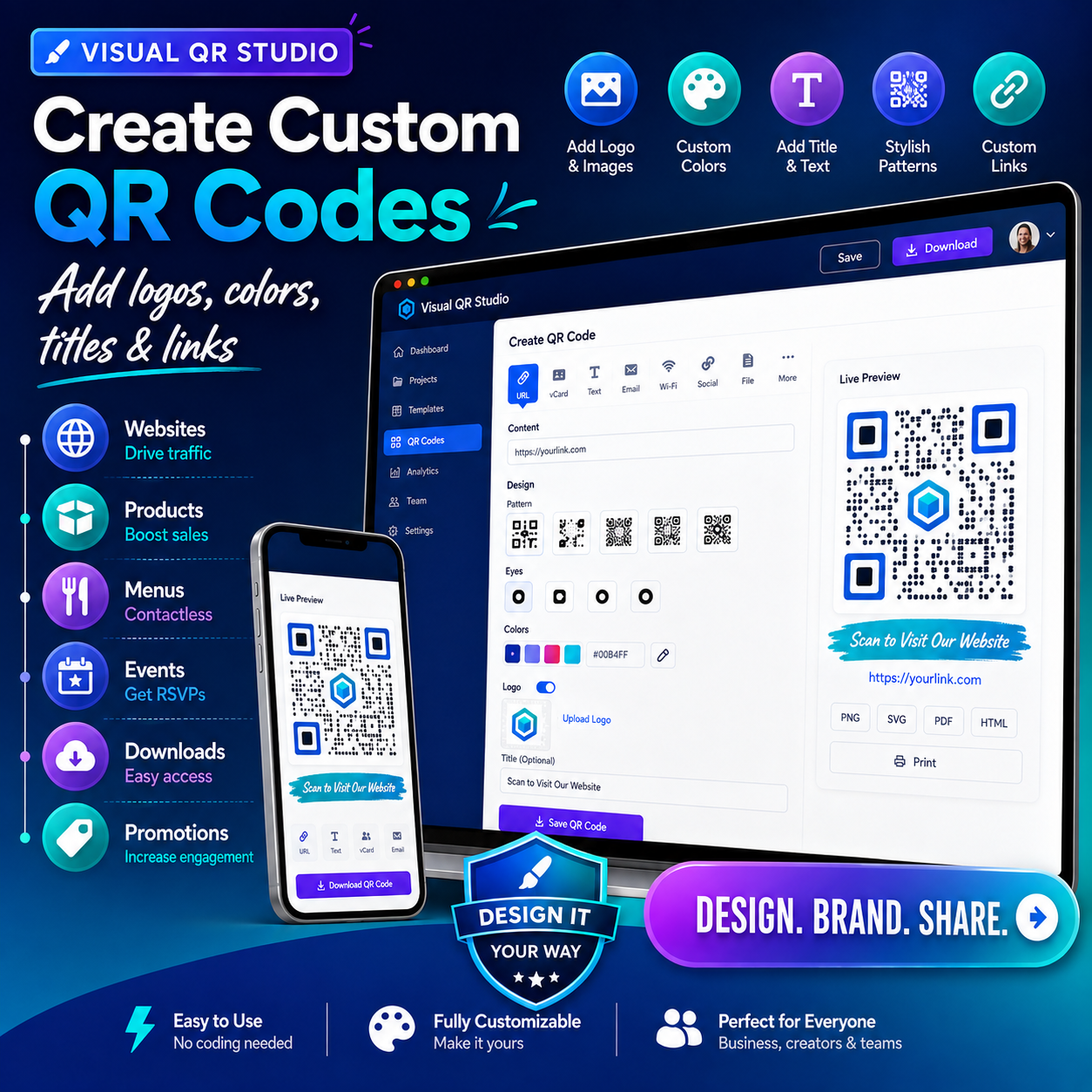
Purchase access to the OnHosty QR Code Builder tools and start creating professional QR codes and QR-focused landing pages from your customer dashboard.
This is a software access product. It does not include website hosting, disk space, bandwidth, a domain name, or a separate WordPress installation.
After your purchase is completed, your account receives the assigned QR Code Builder access role. This role unlocks the QR creation studio, landing-page builder, saved projects, downloads, and other features included with your selected access level.
Create Custom QR Codes
Use the Visual QR Studio to create branded QR codes for:
- Websites and landing pages
- Products and online stores
- Images and media
- Restaurant menus
- Events and promotions
- Social media profiles
- Email addresses
- Phone numbers
- Text messages
- Wi-Fi information
- Contact cards
- Files and downloads
- Digital business cards
Customize your QR codes with:
- Colors and backgrounds
- Logos and images
- Titles and captions
- Frames and visual styles
- Custom destination links
- Branded layouts
- Reusable saved projects
Visual QR Landing-Page Builder
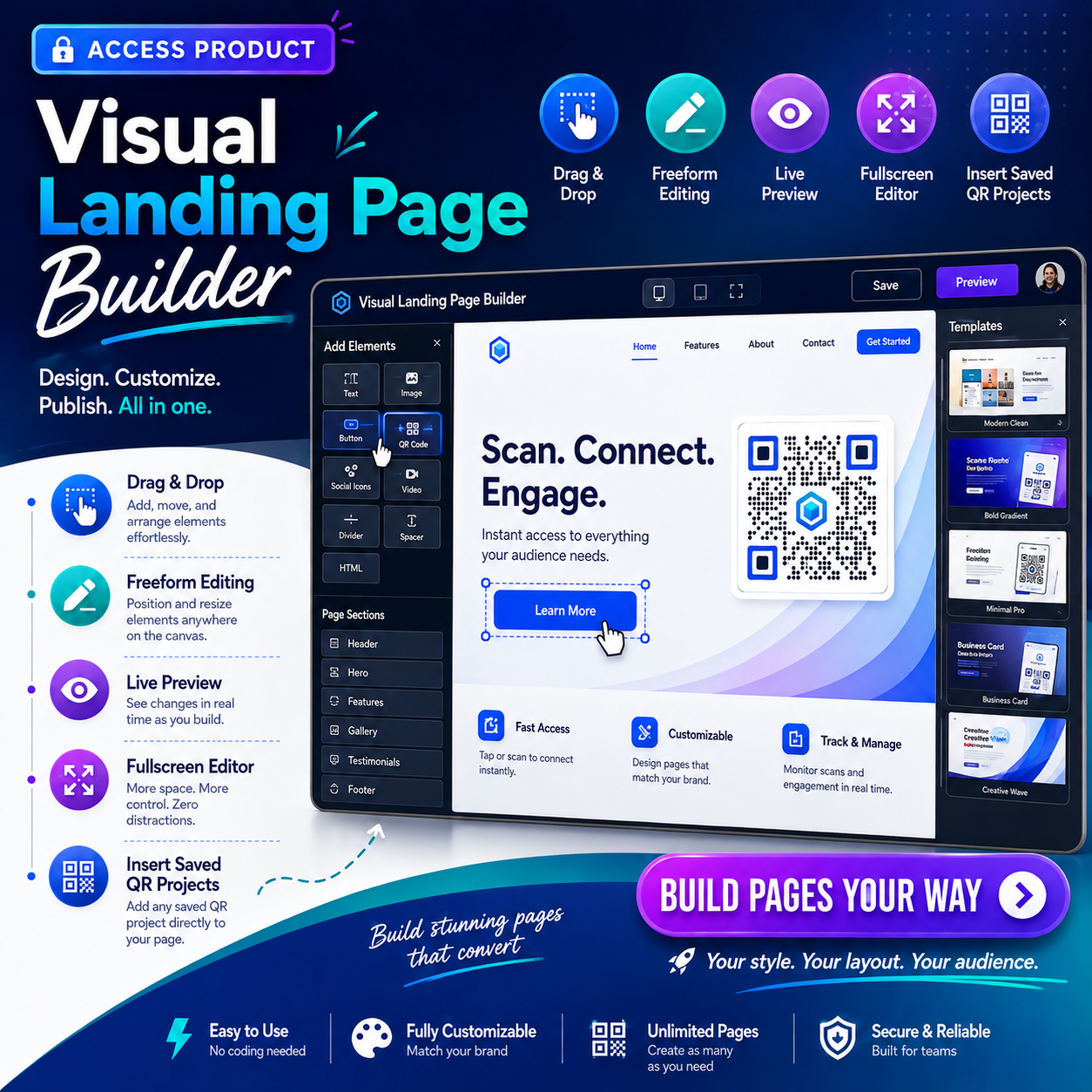
Create complete pages around your QR codes using a visual drag-and-drop editor.
The builder includes:
- Live page preview
- Drag-and-drop editing
- Optional freeform editing
- Fullscreen editing
- Direct text editing
- Moveable buttons and images
- Editable fields and containers
- Resize and rotate controls
- WordPress Media Library access
- Rich-text editing
- Custom HTML and CSS
- Animations and hover effects
- Layer controls
- Undo and redo
- Multiple layout templates
- Template switching
- QR project insertion
You can select saved QR projects and automatically place them into your landing-page designs.
Export Your Designs
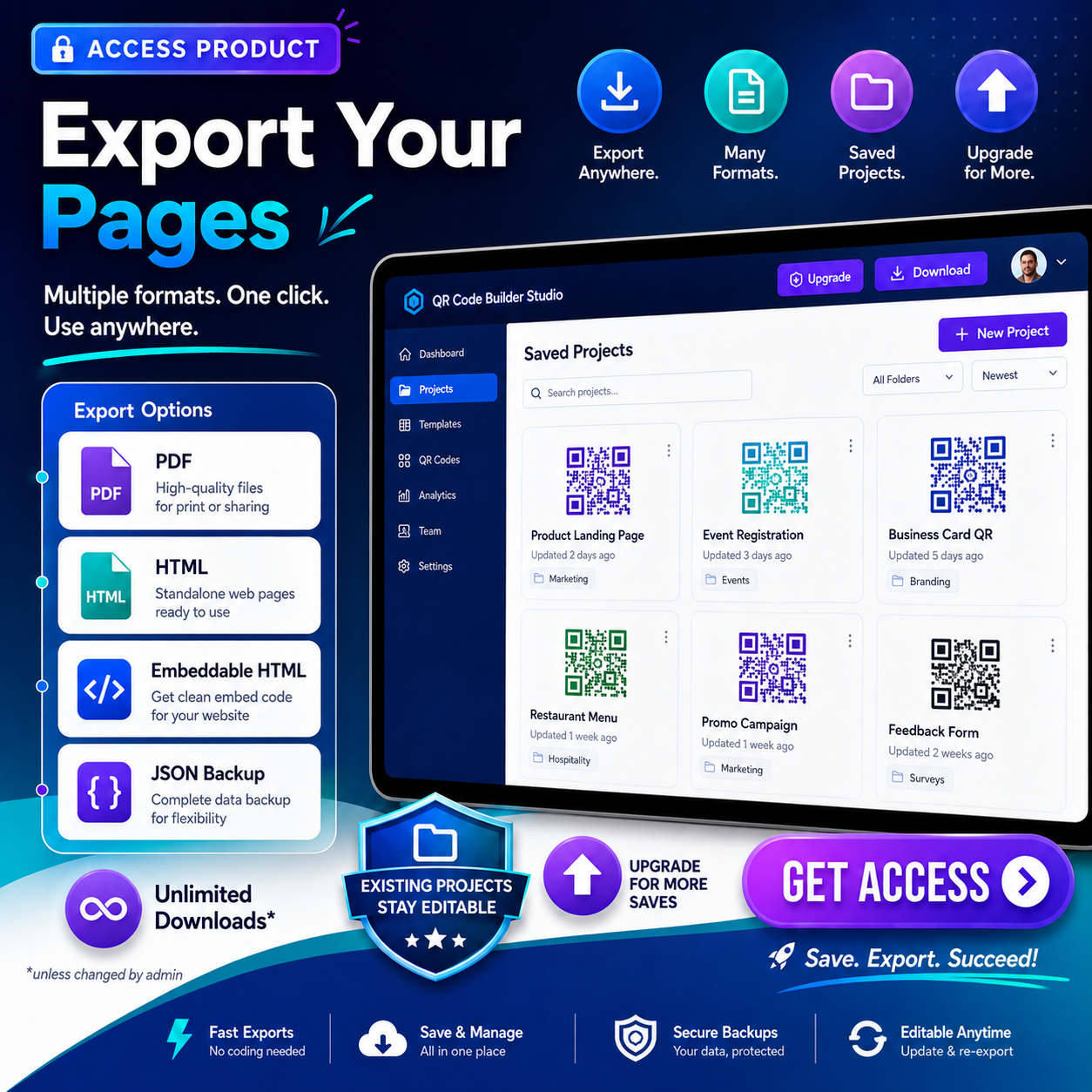
Completed QR landing pages can be exported as:
- Standalone HTML
- Embeddable HTML
- Editable JSON project backups
Downloads may be unlimited or limited according to the access plan assigned by the administrator.
Saved-Project Access
Your plan controls how many QR landing-page projects you can save.
When your saved-project allowance is reached:
- Existing projects remain available
- Existing projects can still be edited
- Available projects can still be downloaded
- New saves may require an upgraded access plan
- An upgrade option may be displayed inside the builder
The administrator can offer different access levels with separate project allowances.
Included Access Tools
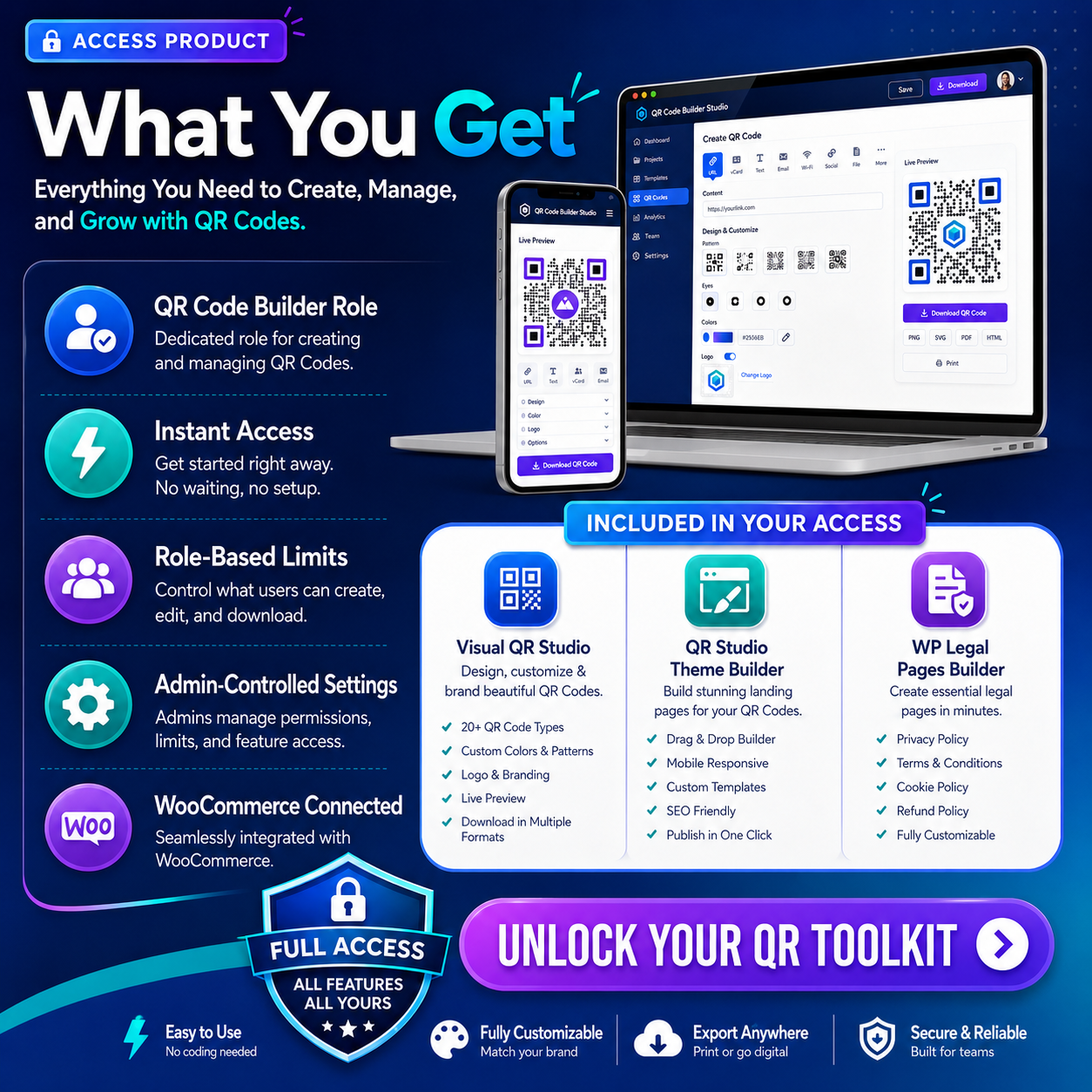
OnHosty Visual QR Studio
Create, customize, save, manage, and download branded QR codes.
Features include:
- Custom links and destinations
- Logos and images
- Editable titles
- Custom colors
- Background styling
- Saved QR projects
- Reusable QR shortcodes
- PNG and SVG downloads
- Frontend and account access
OnHosty QR Studio Theme Builder
Build QR landing pages using visual editing tools.
Features include:
- Live preview
- Drag-and-drop editing
- Freeform positioning
- Multiple page templates
- QR project insertion
- Buttons, images, fields, and containers
- Custom styling
- Animations and effects
- PDF and HTML exports
- Saved-project controls
Customer Role Access
The product assigns the dedicated WordPress role:
QR Code Builder
This role gives the customer access to the QR tools connected to the purchased product.
Important Product Notice
This purchase provides access to OnHosty’s QR Code Builder tools.
It does not include:
- Web hosting
- Disk storage for a separate website
- Monthly bandwidth
- A new WordPress website
- A domain name
- Server or cPanel access
Access remains subject to the permissions, limits, subscription status, and terms connected to the purchased product.
Reviews
There are no reviews yet.