Description
Get Early Access While Offer Lasts | Build the Game You Imagine
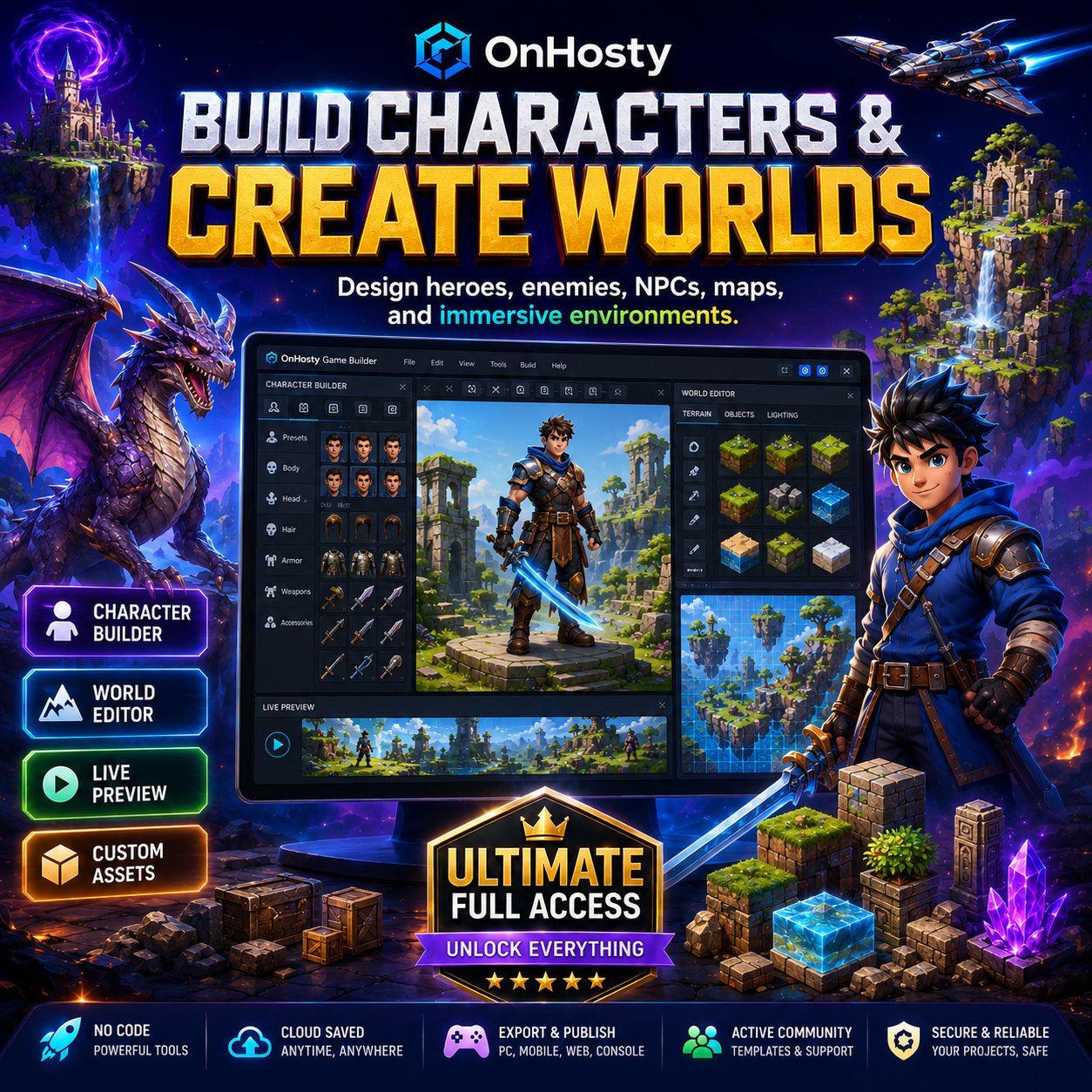
Turn your ideas into interactive game experiences with OnHosty Game Builder Ultimate Full Access.
This complete visual game-development platform gives creators the tools to build characters, environments, levels, missions, controls, weapons, vehicles, animations, special attacks, rules, and gameplay systems without starting from an empty screen.
Whether you are creating a platform game, fighting game, shooter, racing game, adventure, role-playing game, strategy game, puzzle game, sports game, simulation, or an original game concept, the Ultimate edition gives you the highest level of access to the OnHosty Game Builder ecosystem.
No advanced coding experience is required to begin. Use visual editing tools, starter templates, automatic control mapping, live previews, and reusable game components to build faster while maintaining the freedom to customize your project.
What You Can Create
Build many types of playable game experiences, including:
- Action and adventure games
- Fighting and martial-arts games
- First-person and third-person shooters
- Platform and side-scrolling games
- Racing and vehicle games
- Role-playing and story-driven games
- Open-world and exploration experiences
- Strategy and tower-defense games
- Sports and arcade games
- Puzzle, board, chess, and card games
- Survival and battle-arena games
- Educational and children’s games
- Custom game concepts and interactive worlds
Visual Game Design Studio
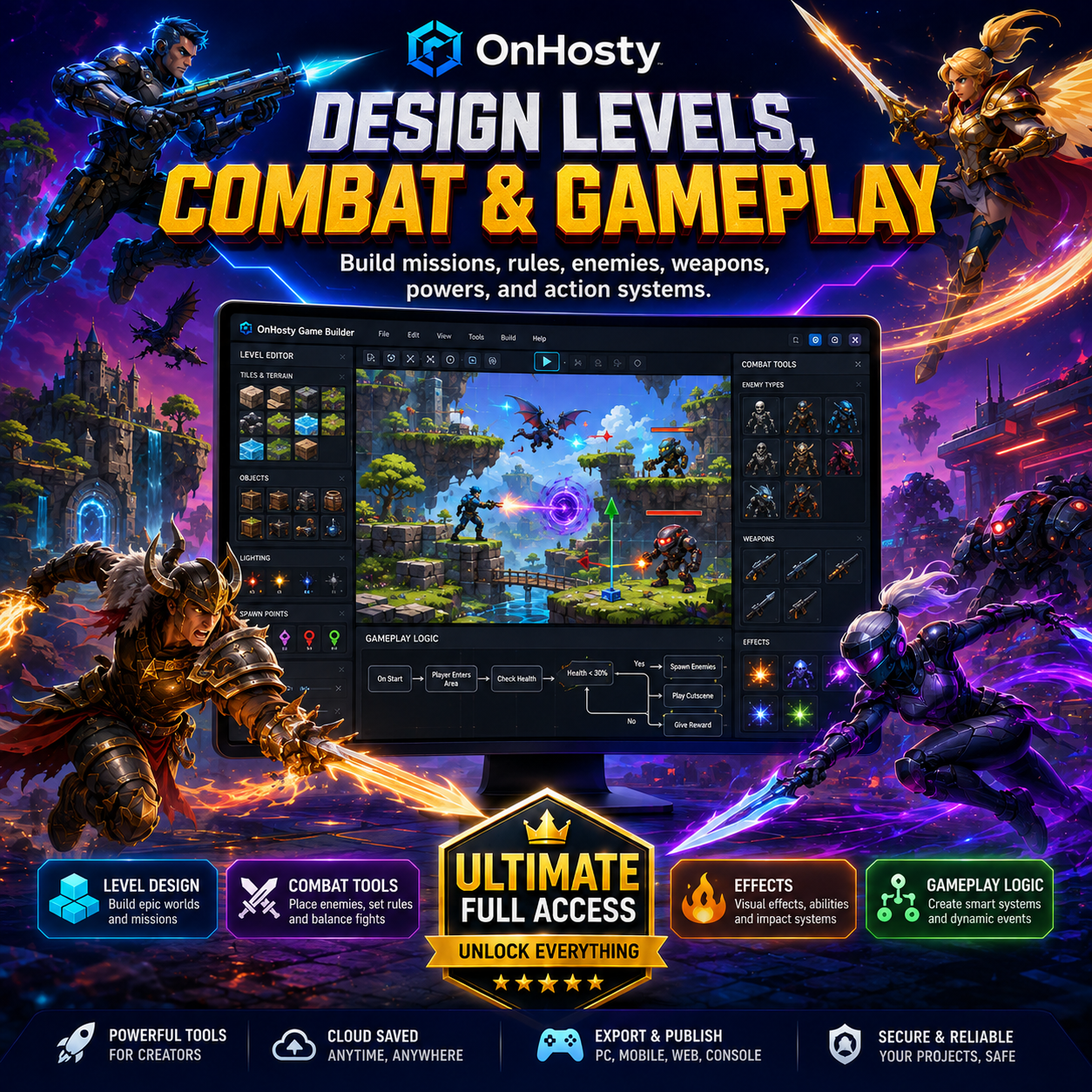
Create your game through a visual design environment featuring:
- Drag-and-drop editing
- Live game preview
- Real-time object placement
- Layer and scene management
- Fullscreen design workspace
- Editable properties and settings
- Undo and redo controls
- Grid and snap positioning
- Object resizing and rotation
- Camera and viewing controls
- Reusable game templates
- Saveable project versions
Select an object, character, vehicle, weapon, platform, building, or effect and customize how it looks, moves, and responds during gameplay.
2D, 2.5D, and 3D-Style Creation
Choose the visual style that fits your project.
Ultimate Access supports tools and templates for:
- Traditional 2D games
- Layered 2.5D experiences
- Isometric game layouts
- Stylized 3D environments
- Cartoon graphics
- Pixel and retro styles
- Comic-book visuals
- Fantasy and science-fiction worlds
- Semi-realistic game designs
- Custom uploaded artwork and assets
Import your own images and creative assets, then position and configure them inside your game project.
Character and Player Builder
Create original playable characters, enemies, teammates, bosses, and non-player characters.
Customize:
- Character appearance
- Clothing and equipment
- Body proportions
- Colors and textures
- Health and energy
- Movement speed
- Jump strength
- Attacks and defenses
- Special abilities
- Weapons and inventory
- Character classes
- Teams and factions
- Dialogue and personality
- Default animations
- Player and CPU behavior
Save completed characters as reusable templates and insert them into multiple levels or future projects.
Character Actions and Animations
Assign actions that match your game type, including:
- Idle
- Walk
- Run
- Sprint
- Jump
- Crouch
- Climb
- Swim
- Fly
- Punch
- Kick
- Block
- Dodge
- Aim
- Shoot
- Reload
- Throw
- Grab
- Carry
- Drive
- Enter or exit vehicles
- Use special abilities
- Perform combination attacks
- Take damage
- Fall or become defeated
- Celebrate or complete a mission
Adjust animation speed, timing, looping, direction, and activation conditions.
Intelligent Default Controls
Game templates include practical starting controls based on the selected game type.
Examples include:
Fighting games
- Punch
- Kick
- Block
- Dodge
- Special attack
- Combination attack
- Movement and jump controls
Shooter games
- Aim
- Fire
- Reload
- Change weapon
- Crouch
- Jump
- Sprint
- Interact
Racing games
- Accelerate
- Brake
- Steer
- Reverse
- Boost
- Drift
- Enter or exit vehicle
Board and strategy games
- Point
- Select
- Grab
- Move
- Place
- Confirm
- Cancel
Controls can be edited and mapped for keyboard, mouse, touch, or supported game-controller layouts.
Build Worlds and Levels
Create complete game environments with:
- Multiple stages and levels
- Indoor and outdoor areas
- Buildings and rooms
- Roads and paths
- Platforms and obstacles
- Doors, portals, and checkpoints
- Weather and atmosphere
- Day and night settings
- Background music
- Environmental sound
- Lighting and visual effects
- Collectible items
- Hidden areas
- Mission locations
- Boss arenas
- Start and finish points
Use small-level templates for quick games or create larger connected worlds for more ambitious projects.
Weapons, Items, and Equipment
Add interactive equipment and assign it to characters.
Supported concepts include:
- Swords
- Staffs
- Shields
- Bows
- Blasters
- Fictional firearms
- Hammers
- Tools
- Armor
- Health items
- Power-ups
- Collectibles
- Keys
- Mission objects
- Custom uploaded items
Configure damage, range, speed, ammunition, cooldowns, special effects, ownership, pickup rules, and how the item behaves when equipped, used, dropped, or thrown.
Vehicles and Transportation
Create games featuring:
- Cars
- Trucks
- Motorcycles
- Boats
- Planes
- Helicopters
- Hover vehicles
- Spaceships
- Custom transportation
Allow characters to enter, drive, pilot, ride, exit, damage, repair, or interact with vehicles according to your gameplay rules.
Gameplay Rules and Logic
Use the visual rules system to define how the game works.
Create logic for:
- Winning and losing
- Scoring
- Health and damage
- Lives and respawning
- Checkpoints
- Timers
- Missions and objectives
- Item collection
- Locked areas
- Level progression
- Enemy spawning
- Boss battles
- Character conversations
- Player choices
- Trigger zones
- Hidden events
- Rewards and achievements
- Inventory
- Shops and upgrades
- Teams and factions
Connect actions and objects without manually programming every interaction from the beginning.
Enemies, NPCs, and Computer-Controlled Players
Add non-player characters that can:
- Follow routes
- Patrol areas
- Detect players
- Attack or defend
- Run away
- Start conversations
- Give missions
- Sell items
- Join the player
- Protect locations
- React to events
- Use weapons or vehicles
- Change behavior based on gameplay conditions
Adjust difficulty, reaction distance, movement, attack style, health, and decision behavior.
Combat and Special Effects
Create exciting combat sequences with:
- Melee attacks
- Ranged attacks
- Combination moves
- Blocking and counterattacks
- Energy attacks
- Explosions
- Impact effects
- Speed trails
- Shockwaves
- Fire, ice, electricity, and energy effects
- Screen shake
- Damage indicators
- Health bars
- Boss phases
- Special-attack animations
Ultimate Access includes the broadest collection of available action, combat, animation, and visual-effect tools.
Audio and Storytelling
Build more complete game experiences using:
- Character dialogue
- Narration
- Voice recordings
- Music
- Sound effects
- Mission text
- Cutscenes
- Intro sequences
- Ending sequences
- Dialogue choices
- Story events
- On-screen instructions
Create characters, levels, and scenes that work together as part of a larger game story.
Save, Test, and Improve
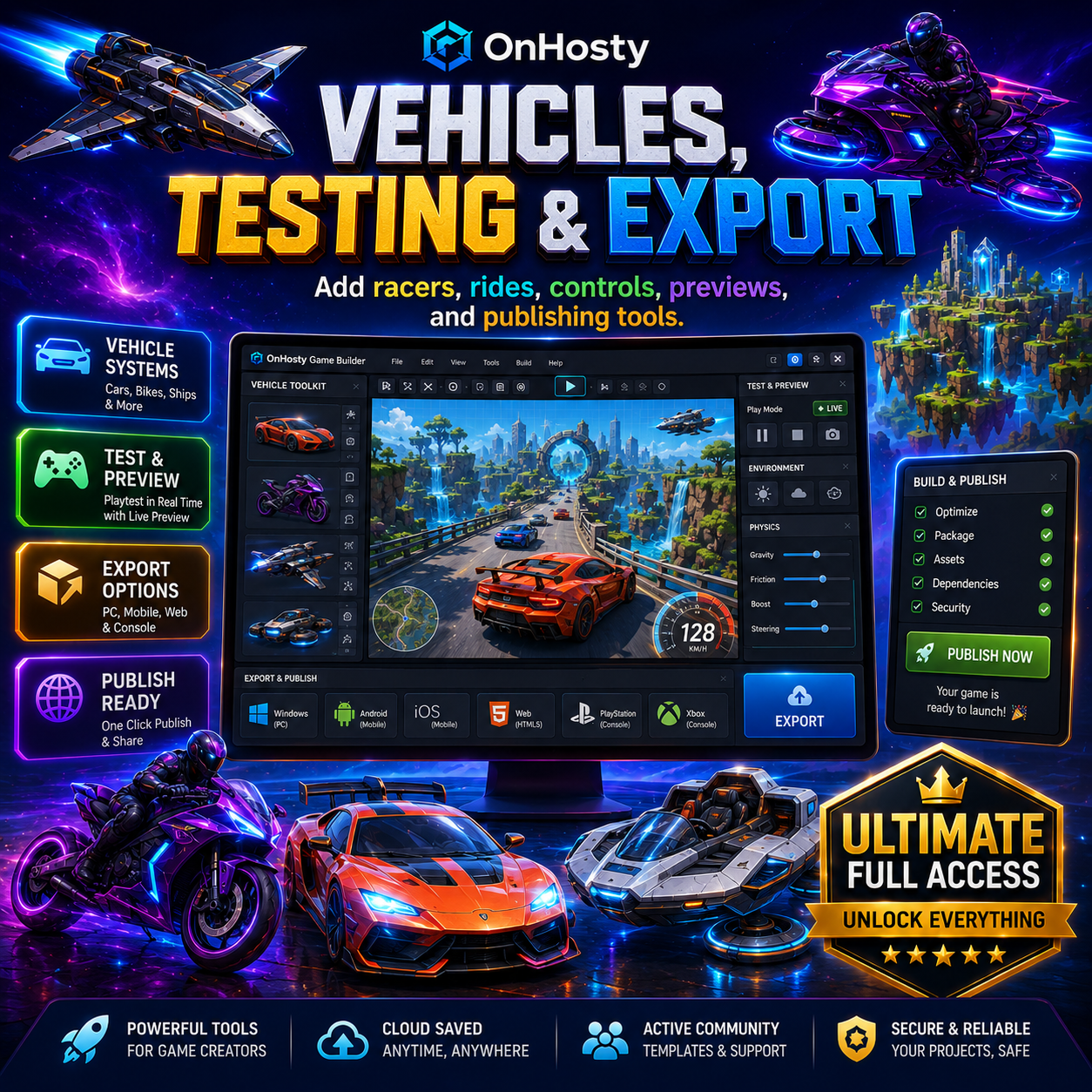
Test the game while you build it.
Use live preview and testing tools to:
- Test player controls
- Check collisions
- Review enemy behavior
- Confirm object interactions
- Test weapons and vehicles
- Adjust movement
- Balance health and damage
- Review level flow
- Find missing links
- Replay scenes and levels
- Save updated versions
Projects can be reopened and continued later according to the limits assigned to the Ultimate access tier.
Ultimate Full Access Benefits
Ultimate is designed for creators who want the largest available workspace and access to the full supported toolset.
It includes:
- Highest available project limits
- Highest available character limits
- Highest available level and world limits
- Expanded asset and template access
- Advanced gameplay systems
- Premium animation and effects tools
- Character, vehicle, and weapon systems
- Reusable project assets
- Advanced control mapping
- Expanded export and publishing options
- Access to supported future Ultimate-level improvements
Exact limits and available tools may be managed by the platform administrator and can evolve as the Game Builder is upgraded.
Designed for Beginners and Experienced Creators
The Game Builder can be used by:
- New game creators
- Students
- Artists
- Animators
- Story writers
- Independent developers
- Content creators
- Small studios
- Educators
- Entrepreneurs building original gaming brands
Start with a prepared game template or create a project from a blank world.
Important Product Information
OnHosty Game Builder Ultimate Full Access is a digital-access product.
It provides authorized access to the OnHosty game-creation platform and its available Ultimate features. It is not a web-hosting package, physical product, gaming console, or guarantee that every project can be published automatically to every external marketplace.
Third-party publishing, advanced online multiplayer infrastructure, app-store distribution, console certification, external rendering, or specialized integrations may require separate accounts, services, credentials, fees, or approval from the applicable provider.
Create More Than a Game
Create the characters. Build the world. Design the rules. Add the action. Tell the story.
With OnHosty Game Builder Ultimate Full Access, your next game begins with your imagination.
Reviews
There are no reviews yet.