Description
Build a Professional Website for Your Legal Business
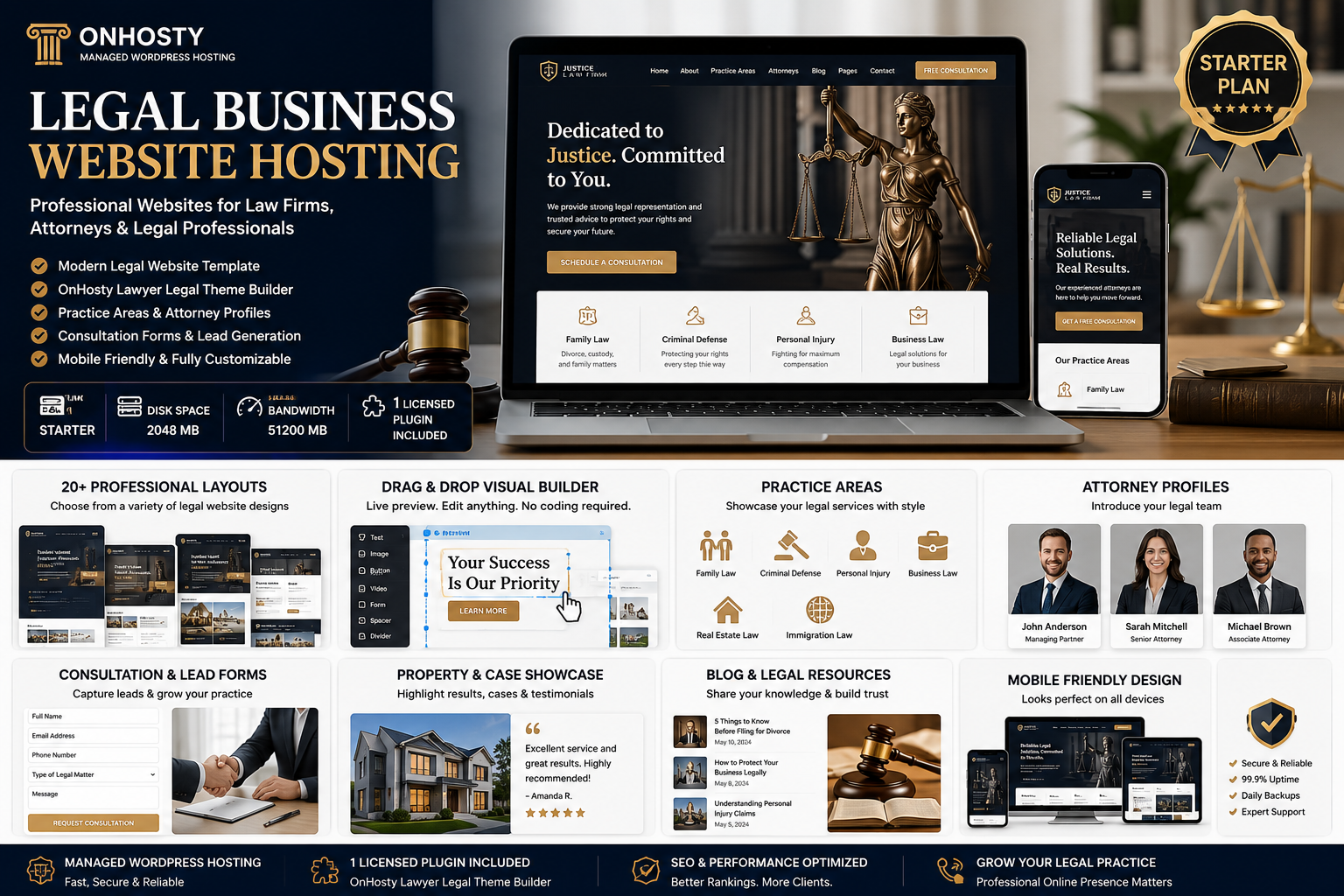
Establish a polished and trustworthy online presence with OnHosty Legal Business Website Hosting.
This Starter package combines managed WordPress hosting, the Legal Law Business Website Template, and the licensed OnHosty Lawyer Legal Theme Builder v1.0.0. It provides law firms, independent attorneys, legal consultants, mediators, document-preparation businesses, and other legal-service professionals with the tools needed to create and customize a professional business website.
Showcase your services, introduce your legal team, collect consultation requests, publish informative resources, and help prospective clients understand how your business may assist them.
Starter Hosting Plan
- Plan: Starter
- Disk Space: 2,048 MB
- Monthly Bandwidth: 51,200 MB
- Hosting Type: Managed WordPress hosting
- Template: Legal Law Business Website Template
- Licensed Plugins Included: 1
- Included Plugin: OnHosty Lawyer Legal Theme Builder v1.0.0
Present Your Legal Services Professionally
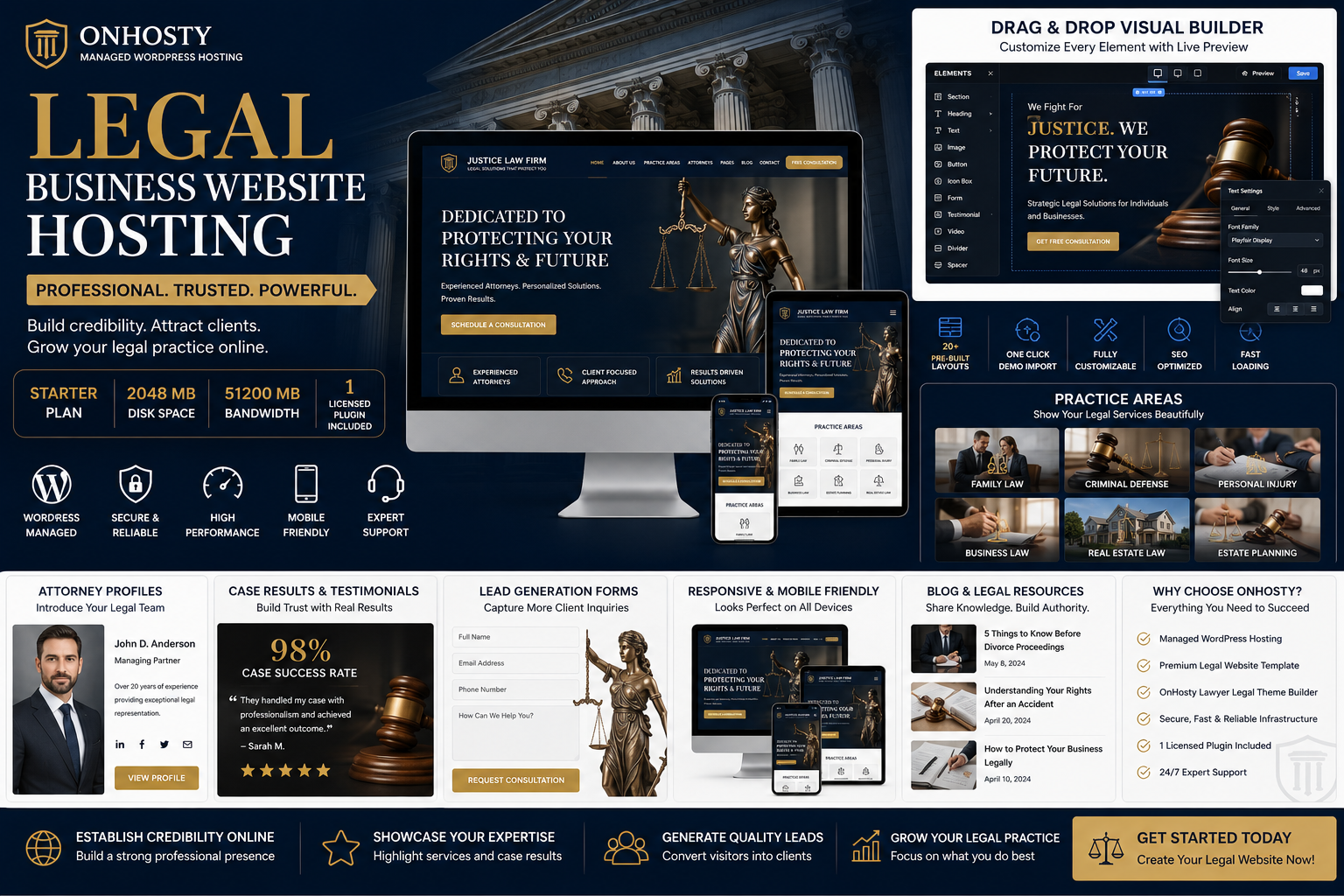
Create detailed sections for your firm’s services and practice areas.
Your website can present services such as:
- Business law
- Family law
- Criminal defense
- Personal injury
- Immigration law
- Real estate law
- Employment law
- Estate planning
- Probate
- Bankruptcy
- Civil litigation
- Tax law
- Intellectual property
- Contract preparation
- Mediation and arbitration
- Legal consulting
- Document-preparation services
- General legal support
Each service section can include a title, detailed explanation, image, video, frequently asked questions, contact button, consultation link, or external service page.
Customizable Legal Website Builder
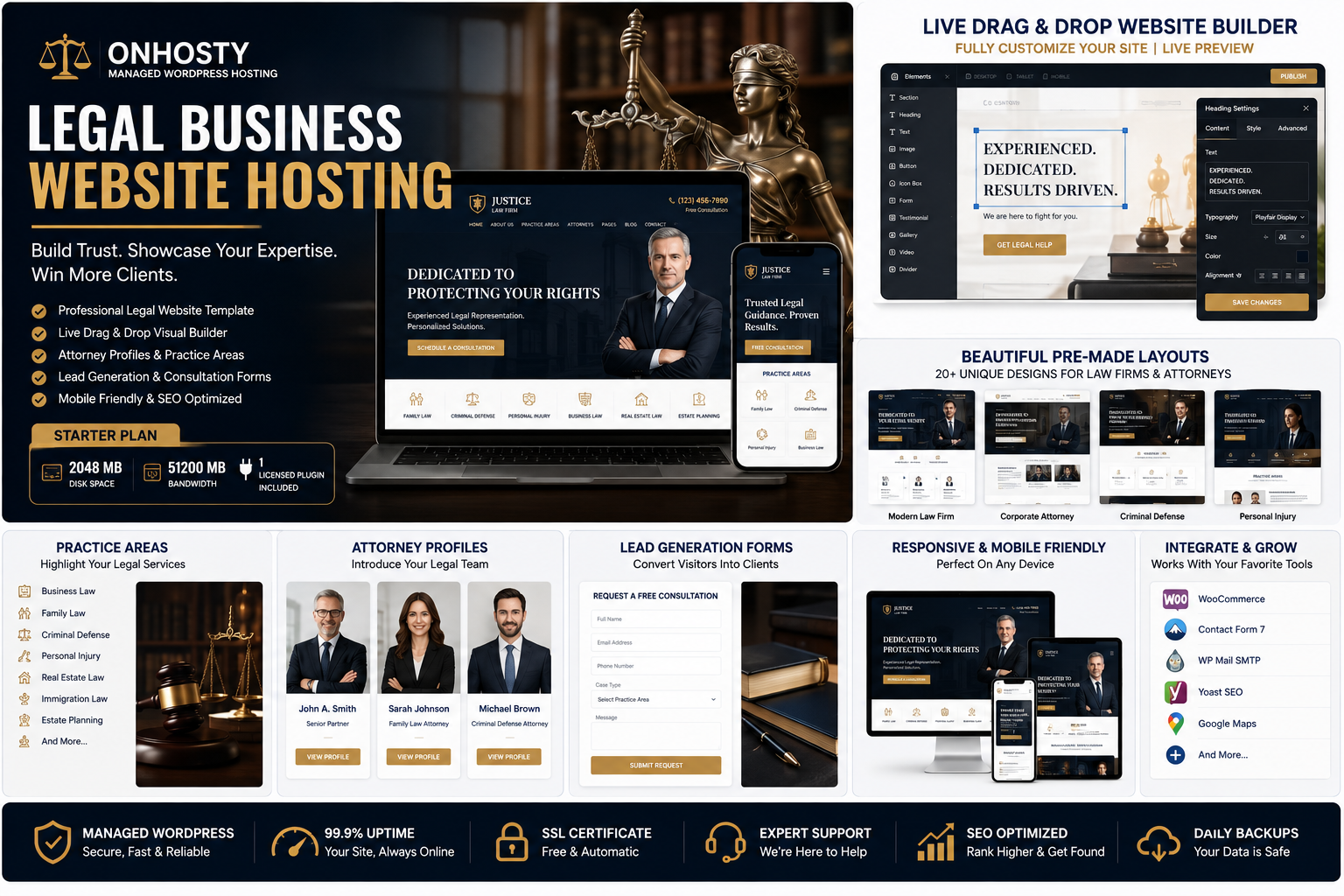
Customize your website through a visual editing experience without rebuilding every page from the beginning.
Edit:
- Headings and paragraphs
- Practice-area sections
- Attorney profiles
- Images and galleries
- Buttons and calls to action
- Consultation forms
- Testimonials
- Case-study sections
- Frequently asked questions
- Contact information
- Office-location sections
- Videos and audio
- HTML and custom CSS
- WooCommerce products or service links
Select individual sections, containers, text areas, buttons, images, and fields to open their dedicated settings.
Drag-and-Drop and Freeform Editing
Arrange your website content using drag-and-drop controls.
Optional freeform editing can provide greater control over the placement of buttons, text, images, forms, boxes, and containers. Depending on the selected element, you can adjust its position, size, rotation, spacing, alignment, layering, and appearance.
Buttons are not required to have a completed URL before saving. The builder can display a reminder while still allowing the project to be saved.
Linked buttons remain protected while editing so an accidental click does not immediately take you away from the builder.
Multiple Legal Website Layouts
Choose from a variety of legal-business layouts created for different professional styles and service types.
Layout styles can include:
- Traditional law firm
- Modern legal practice
- Luxury corporate law firm
- Independent attorney
- Criminal-defense practice
- Family-law office
- Personal-injury firm
- Immigration-law practice
- Real estate and property law
- Business and contract law
- Estate-planning practice
- Legal-consulting business
- Mediation and arbitration
- Legal news or magazine
- Attorney personal brand
- Multi-office law firm
- Legal document services
- Mobile-first consultation site
- Long-form legal resource website
- Simple professional landing page
These layouts can use different page structures, headers, menus, hero sections, content arrangements, service displays, and consultation areas—not simply the same design with different colors.
Attorney and Team Profiles
Introduce attorneys, paralegals, consultants, mediators, or other members of your legal team.
Profiles can include:
- Professional photo
- Name and title
- Biography
- Practice areas
- Education
- Certifications
- Bar admissions
- Professional memberships
- Languages spoken
- Office location
- Phone number
- Email address
- Consultation button
- Social or professional links
Individual team members can be connected to relevant services, office locations, or contact forms.
Consultation and Lead Forms
Collect inquiries from prospective clients using customizable forms.
Forms can request:
- Full name
- Email address
- Phone number
- Preferred contact method
- Type of legal matter
- Requested attorney
- Preferred consultation date
- General description of the issue
- Location or jurisdiction
- Urgency
- Additional information
Consultation requests can be directed to the business or an assigned recipient.
Do not request highly confidential, privileged, financial, medical, or identity-sensitive information through a standard website contact form unless the website has appropriate security, consent, and data-handling protections.
Calls to Action
Create conversion-focused sections that encourage visitors to take the next step.
Examples include:
- Request a consultation
- Contact an attorney
- Schedule an appointment
- Call the office
- Review our practice areas
- Meet the legal team
- Submit a general inquiry
- Download a legal guide
- Join an informational webinar
- Purchase a document service
- Pay a consultation fee
- Visit an external client portal
Buttons, banners, forms, images, and promotional sections can be added throughout the website.
Legal Resources and Educational Content
Publish articles, guides, announcements, frequently asked questions, and general legal information.
Create content for:
- Legal news
- Law-firm updates
- Client education
- Frequently asked questions
- Process explanations
- Document checklists
- Court or filing information
- Business compliance topics
- Estate-planning information
- Immigration updates
- Property and contract guidance
- General legal-resource libraries
Published content should clearly distinguish general information from personalized legal advice.
Testimonials and Case Information
Build trust by presenting client feedback, professional recognition, representative matters, or general case experience where legally and ethically permitted.
Sections may include:
- Client testimonials
- Professional awards
- Firm milestones
- Years of experience
- Representative cases
- General results
- Industry memberships
- Media appearances
- Community involvement
Past outcomes should not be presented as guarantees of future results. Advertising rules, testimonial requirements, and case-result disclaimers may vary by jurisdiction.
Images, Audio, and Video
Enhance your legal website with professional media.
Add:
- Attorney introduction videos
- Firm overview videos
- Practice-area explanations
- Client education videos
- Office galleries
- Webinar recordings
- Audio introductions
- Podcast episodes
- Legal-resource presentations
- Community and event photographs
Media can be placed in standalone sections or connected to individual attorneys and services.
Animations and Visual Effects
Apply animations and effects to selected:
- Headings
- Paragraphs
- Images
- Buttons
- Attorney profiles
- Practice-area cards
- Consultation sections
- Testimonials
- Containers
- Entire page sections
Animations can help highlight important services, consultation buttons, announcements, legal resources, and calls to action while maintaining a professional appearance.
WooCommerce and Service-Link Support
Connect WooCommerce products or approved external links to legal-business services.
Possible uses include:
- Paid consultation bookings
- Document-preparation packages
- Legal templates
- Downloadable guides
- Educational courses
- Webinar registration
- Membership services
- Business-compliance packages
- Contract-review services
- Fixed-fee legal-service packages
WooCommerce checkout, payment processing, taxes, subscriptions, bookings, and refunds require the appropriate WooCommerce configuration and payment gateway.
Office and Contact Information
Display important business information throughout the website.
Add:
- Firm name
- Office address
- Phone number
- Email address
- Business hours
- Service areas
- Map or directions
- Emergency contact instructions
- Multiple office locations
- Appointment links
- General contact forms
Third-party map, scheduling, client-portal, or legal-management services may require separate accounts, subscriptions, API credentials, or compatible WordPress plugins.
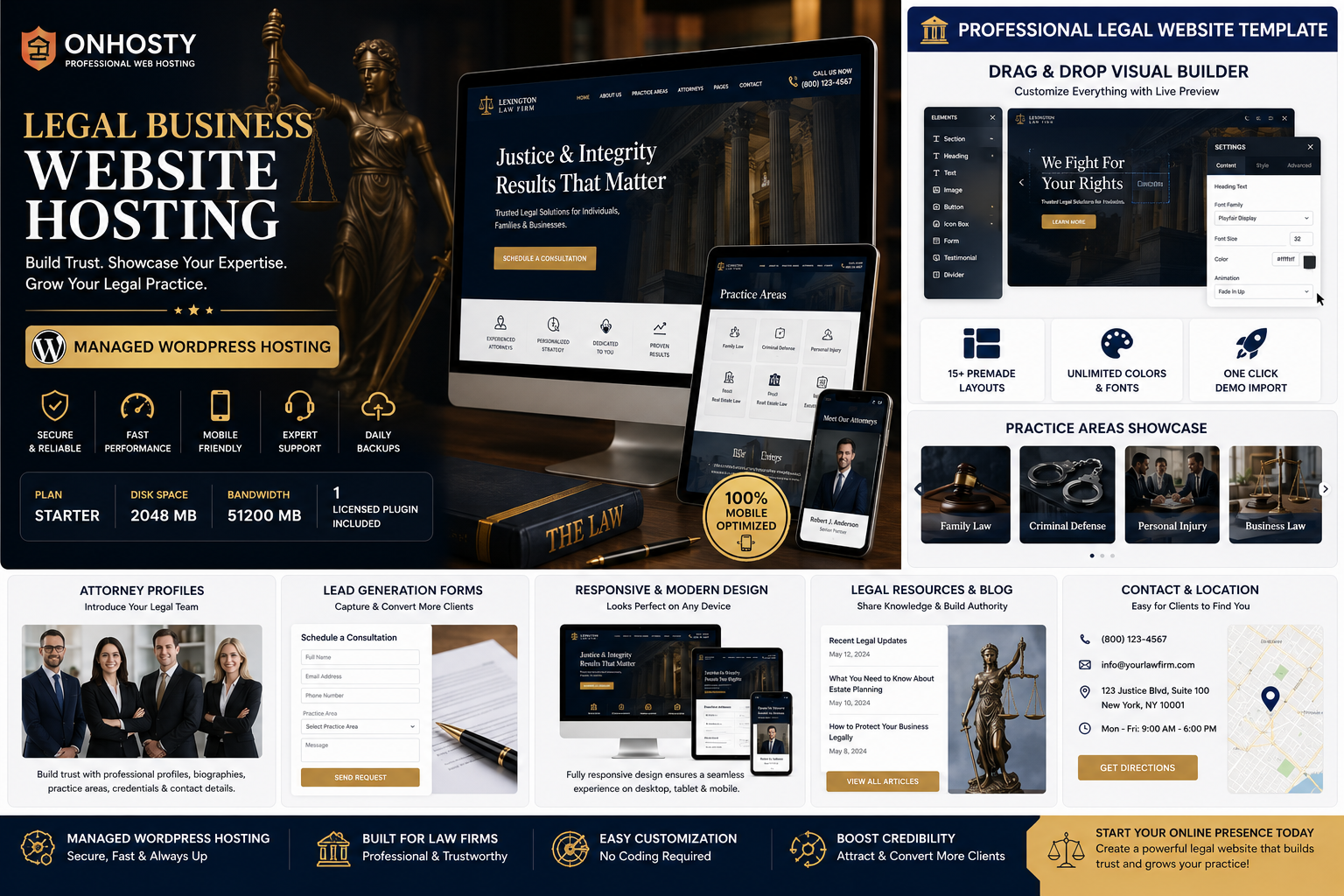
Mobile-Friendly Website Design
Preview and customize your legal website for desktop computers, tablets, and mobile devices.
Responsive design helps keep attorney profiles, service pages, forms, menus, media, office information, and consultation buttons accessible across different screen sizes.
Managed WordPress Hosting
OnHosty managed WordPress hosting provides a prepared environment for operating your legal business website.
This package combines:
- Managed WordPress hosting
- A legal-business website template
- One licensed theme-builder plugin
- Visual page customization
- Practice-area presentation
- Attorney profile sections
- Consultation and lead forms
- Media and resource sections
- WooCommerce and external-link compatibility
- Mobile-friendly layouts
Ideal For
This package is suitable for:
- Law firms
- Independent attorneys
- Legal consultants
- Mediators and arbitrators
- Immigration-service businesses
- Estate-planning practices
- Personal-injury firms
- Criminal-defense attorneys
- Family-law practices
- Business and contract lawyers
- Real estate attorneys
- Tax-law practices
- Legal document businesses
- Compliance consultants
- Paralegal service businesses
- Legal educators and publishers
Build a trustworthy professional website, explain your services clearly, introduce your legal team, publish helpful resources, and make it easier for prospective clients to contact your business.

Reviews
There are no reviews yet.