Description
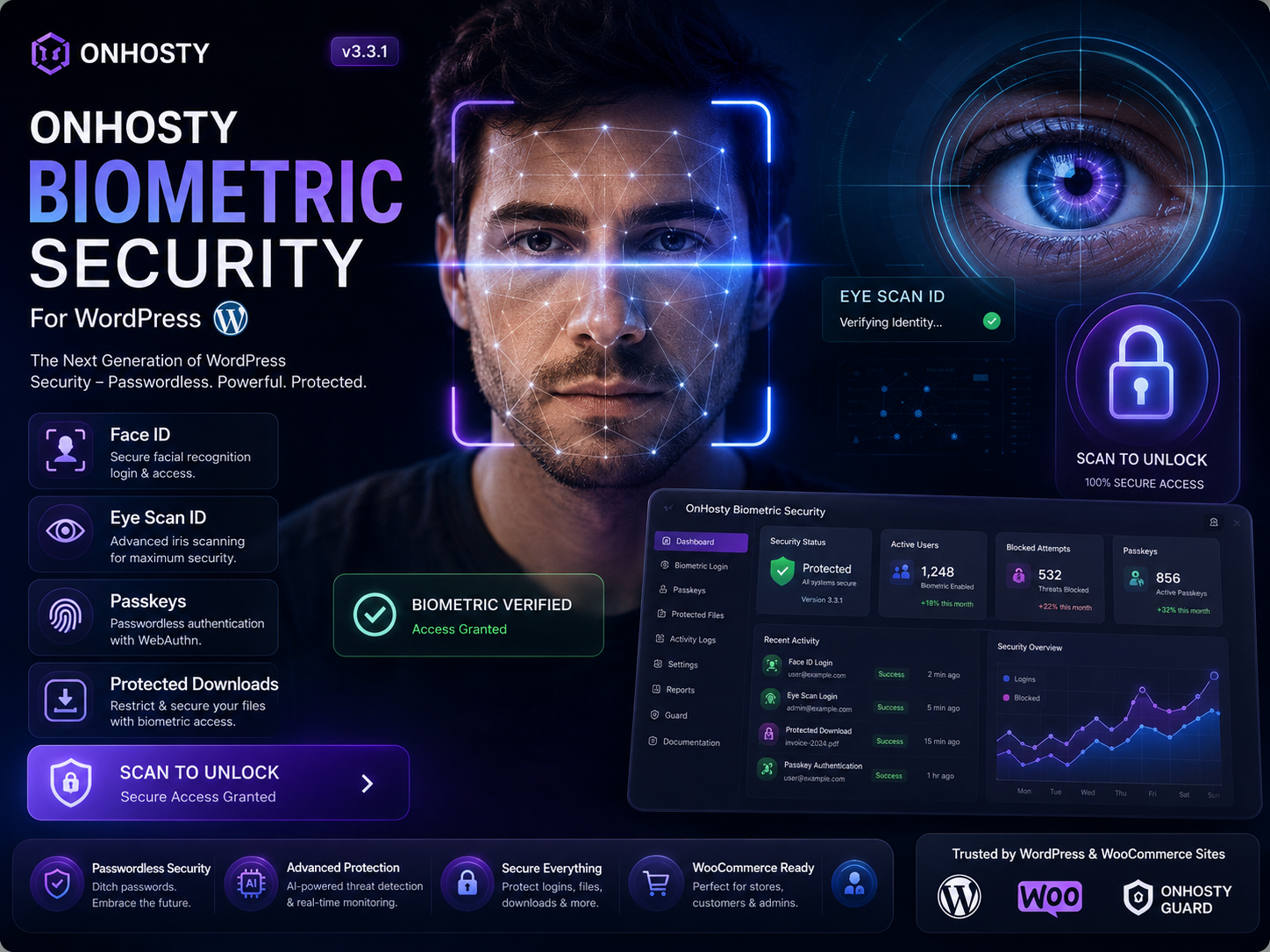
OnHosty Biometric Security for WordPress
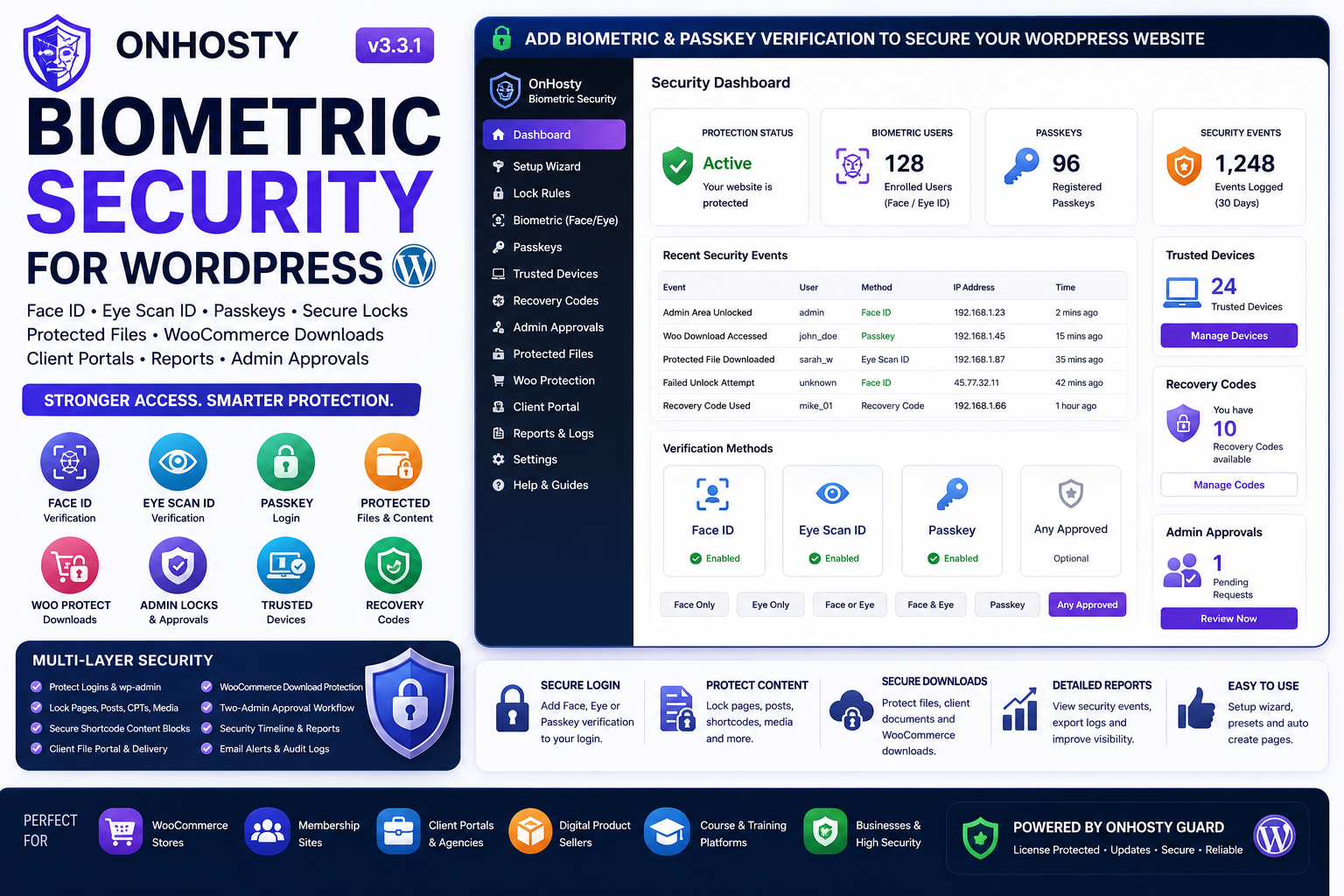
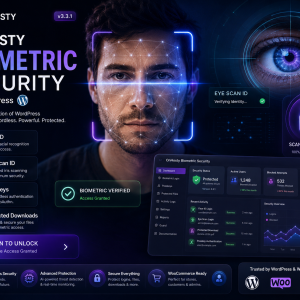
Add face verification, eye scan verification, passkey login, secure lock gates, protected file delivery, WooCommerce download protection, recovery codes, two-admin approvals, trusted devices, client portals, security reports, and Guard-ready licensing to WordPress.
OnHosty Biometric Security for WordPress is a powerful WordPress security suite built for site owners, WooCommerce stores, agencies, membership sites, client portals, digital product sellers, and businesses that need stronger access control than a normal username and password.
Protect logins, wp-admin areas, sensitive admin sections, pages, posts, media files, private downloads, WooCommerce customer downloads, dashboard areas, client files, protected content, and high-risk admin actions with Face ID style camera verification, Eye Scan ID style verification, WebAuthn-compatible passkeys, trusted-device rules, recovery codes, and approval workflows.
More Than a Login Security Plugin
This plugin is not only for locking the WordPress login page. It can protect many sensitive parts of a WordPress website.
Use it to protect:
- WordPress login
- wp-admin access
- Dashboard areas
- Users section
- Plugins section
- Themes section
- Settings section
- Tools section
- Media Library
- Posts and pages
- Custom post types
- WooCommerce screens
- WooCommerce account downloads
- Private client files
- Protected download links
- Shortcode-protected content blocks
- High-risk admin actions
Face ID Style Verification
Let users enroll and verify with camera-based face recognition using bundled local face-api.js assets.
Face verification can be used for:
- Frontend user enrollment
- Admin unlock gates
- Protected content access
- Login verification flows
- Page and post locks
- File access locks
- Secure dashboard access
Eye Scan ID Style Verification
The plugin includes Eye Scan ID style verification using eye landmark and blink/liveness checks.
Admins can allow users to unlock protected areas with:
- Face verification
- Eye verification
- Either Face or Eye verification
- Both Face and Eye verification
- Passkey verification
- Any approved secure verification method
WebAuthn-Compatible Passkeys
OnHosty Biometric Security includes a standards-based WebAuthn-compatible passkey registration and authentication flow.
Passkey features include:
- Passkey registration
- Passkey login
- Passkey unlock button
- Passkey management shortcode
- Frontend passkey login form
- Registered passkey list
- Passkey removal tools
- Passkey unlock for protected flows
Important: WebAuthn-compatible passkeys usually require HTTPS on modern browsers and devices. Official FIDO certification is a separate external testing and certification process and is not automatically granted by plugin code.
Biometric and Passkey Shortcodes
The plugin includes several frontend shortcodes for enrollment, login, unlock, recovery, reports, and protected content.
- [sfal_biometric_enroll] — Face ID / Eye Scan ID enrollment interface
- [sfal_unlock_gate] — Reusable biometric unlock gate
- [ohbio_passkey_login] — Frontend passkey login form
- [ohbio_passkeys] — Passkey management area
- [ohbio_passkey_unlock] — Passkey unlock button
- [ohbio_security_center] — User-facing security hub
- [ohbio_trusted_devices] — Trusted device management
- [ohbio_recovery_kit] — Emergency recovery code tools
- [ohbio_security_report] — Security timeline/report area
- [ohbio_admin_approvals] — Admin approval requests
- [ohbio_client_portal] — Secure client file portal
Protected Content Blocks
Lock only part of a page or post using the protected content shortcode.
Example:
[ohbio_lock policy=”any”]Private content here[/ohbio_lock]
Supported policies include:
- Face only
- Eye only
- Either Face or Eye
- Both Face and Eye
- Passkey
- Any approved verification method
This is useful for private instructions, client-only content, license information, protected notes, digital product instructions, training materials, and sensitive page sections.
Page, Post, CPT, and Media Locks
Admins can lock WordPress content by role, user, or verification requirement.
Lock areas can include:
- Pages
- Posts
- Custom post types
- Media attachments
- Private dashboard content
- Client content
- Protected member content
This makes the plugin useful for memberships, client portals, paid access sites, internal business pages, and secure digital product delivery.
Protected File Delivery
Deliver Media Library files through signed protected download links.
Use:
[ohbio_secure_file id=”123″ label=”Download Protected File”]
The plugin can generate secure file delivery links that require verification before access is granted.
Important: WordPress plugins can protect WordPress-controlled pages, shortcodes, and plugin-controlled download endpoints. Direct public URLs inside /wp-content/uploads/ may still be served by the web server if files are publicly accessible. For stronger protection, use the protected file vault/client portal features and consider private storage or server rules for files that must never be public.
Secure Client Portal
Create a secure client file portal where assigned users can access protected Media Library files.
Admins can assign Media Library attachment IDs to a user profile, then display the user’s private file portal with:
[ohbio_client_portal]
You can also display a single protected client file with:
[ohbio_client_file id=”123″ users=”12,15″ roles=”customer,subscriber” label=”Download File”]
This is useful for agencies, service providers, client deliverables, private reports, protected documents, digital services, and account-specific files.
WooCommerce Protected Downloads
OnHosty Biometric Security can protect WooCommerce digital download links by replacing customer account download links with signed protected proxy links.
Before the real WooCommerce download opens, the customer must pass the configured secure verification requirement.
WooCommerce’s own download permissions still apply.
This is useful for:
- Premium digital downloads
- Software files
- Protected customer downloads
- License instructions
- Private order files
- Client deliverables
- High-value digital products
WooCommerce License/Content Lock
Use the Woo license lock shortcode to protect private license keys, order notes, digital product instructions, or customer-only content.
Example:
[ohbio_woo_license_lock policy=”any”]Private license key or instructions[/ohbio_woo_license_lock]
Trusted Device Management
Users can verify and trust approved devices.
Trusted device tools help reduce friction for known devices while keeping stronger checks for risky sessions.
Risk-based unlock rules can require re-verification for:
- Untrusted devices
- New IP addresses
- Outside-hours access
- Sensitive admin actions
Emergency Recovery Codes
Admins and users can generate emergency recovery codes.
Recovery codes are one-time use codes that allow temporary secure access if a user loses access to their passkey or biometric setup.
Best practice:
- Generate recovery codes during setup
- Store them offline or in a secure password manager
- Regenerate codes after one is used
- Keep at least two administrator accounts with recovery codes
Two-Admin Approval Workflow
For stronger administrative protection, selected high-risk admin actions can require approval from another administrator.
This helps reduce the risk of unauthorized changes to:
- Plugin settings
- User roles
- Exports
- WooCommerce changes
- Security settings
- Other sensitive actions
For POST-based actions, the original action may not replay automatically after approval. After approval, the requester may need to repeat the action.
Security Timeline, CSV Export, and Reports
The plugin includes security timeline and report tools for reviewing activity.
Reporting features include:
- Security timeline
- Audit logs
- CSV export
- Printable reports
- Admin report shortcode
- Optional email alerts
This helps site owners, agencies, and administrators review access events, unlock activity, security actions, and important security-related changes.
Setup Wizard and Security Presets
The built-in setup wizard helps admins configure the plugin faster.
Preset options include:
- Basic
- Business
- Agency
- Maximum Security
Admins can start with a preset, then adjust modules and rules manually.
Auto-Create Security Pages
The plugin can auto-create recommended frontend pages for enrollment, unlock, passkeys, reports, approvals, trusted devices, recovery, and client portals.
Auto-created pages can include:
- Biometric enrollment page
- Unlock page
- Passkey login page
- Passkey management page
- Security center page
- Trusted devices page
- Recovery kit page
- Security reports page
- Approval requests page
- Client portal page
This makes setup easier and helps customers launch a complete security workflow faster.
White-Label and Agency Controls
Agencies and sellers can customize certain branding options.
White-label controls include:
- Custom logo
- Unlock button text
- Email sender name
- Agency-friendly security screen branding
Additional Hardening Tools
The plugin also includes extra hardening options, including:
- Optional application password restrictions
- Optional XML-RPC restrictions
- Optional REST restrictions for unverified users
- Audit logging
- Email alerts
- User security table tools
OnHosty Guard License Ready
This version includes the shared OnHosty Guard license client and registers the module slug:
biometric_security
Guard client features include:
- Master license support
- Module slug registration
- Bundle entitlement checks
- Local license cache
- 72-hour grace period support
- Suspended or expired license notice support
- Locked admin page helper
- Restore My Services button
- WooCommerce subscription/order cache sync hooks
This makes the plugin easier to sell as a protected standalone product or as part of an OnHosty Creator Pro, Guard Full Access, agency security bundle, or client portal security package.
Perfect For
- WordPress site owners
- WooCommerce stores
- Digital product sellers
- Membership sites
- Client portals
- Agencies managing client files
- Service providers delivering private documents
- Businesses with sensitive dashboards
- Course and training sites
- Private community websites
- Software/license sellers
- Sites that need stronger login and admin protection
Main Benefits
- Stronger Login Protection: Add face, eye, and passkey verification to WordPress access flows.
- Protect More Than Login: Lock admin areas, pages, posts, media, WooCommerce downloads, client files, and private content.
- Reduce Unauthorized Access: Require secure verification before sensitive actions, downloads, or admin areas open.
- Support Passkeys: Let users register and verify with WebAuthn-compatible passkeys.
- Secure Client Delivery: Assign private files to users and deliver them through a protected client portal.
- Protect WooCommerce Downloads: Add verification before customer download links open.
- Recover Safely: Use emergency recovery codes if biometric or passkey access is lost.
- Add Approval Workflows: Require another admin to approve selected high-risk actions.
- Review Security Activity: Use audit logs, timeline reports, CSV exports, printable reports, and email alerts.
- Launch Faster: Use setup presets and auto-created pages for faster configuration.
- Agency Ready: Use white-label options, client portal tools, reports, and Guard license controls.
Important Safety Notes
Always test lock rules before applying them to all administrators or all users. Keep emergency recovery codes available. Keep at least one backup administrator account. Create the recovery page before enabling strict security rules. Use HTTPS for passkeys and secure verification flows.
Secure WordPress With Face, Eye, Passkeys, File Locks, and Approval Workflows
OnHosty Biometric Security for WordPress helps turn a regular WordPress site into a stronger protected environment for logins, dashboards, files, WooCommerce downloads, private client areas, and sensitive admin actions.
Enroll users. Add passkeys. Lock sensitive areas. Protect downloads. Require secure verification. Review reports. Recover safely. Connect to Guard licensing when ready.
Reviews
There are no reviews yet.