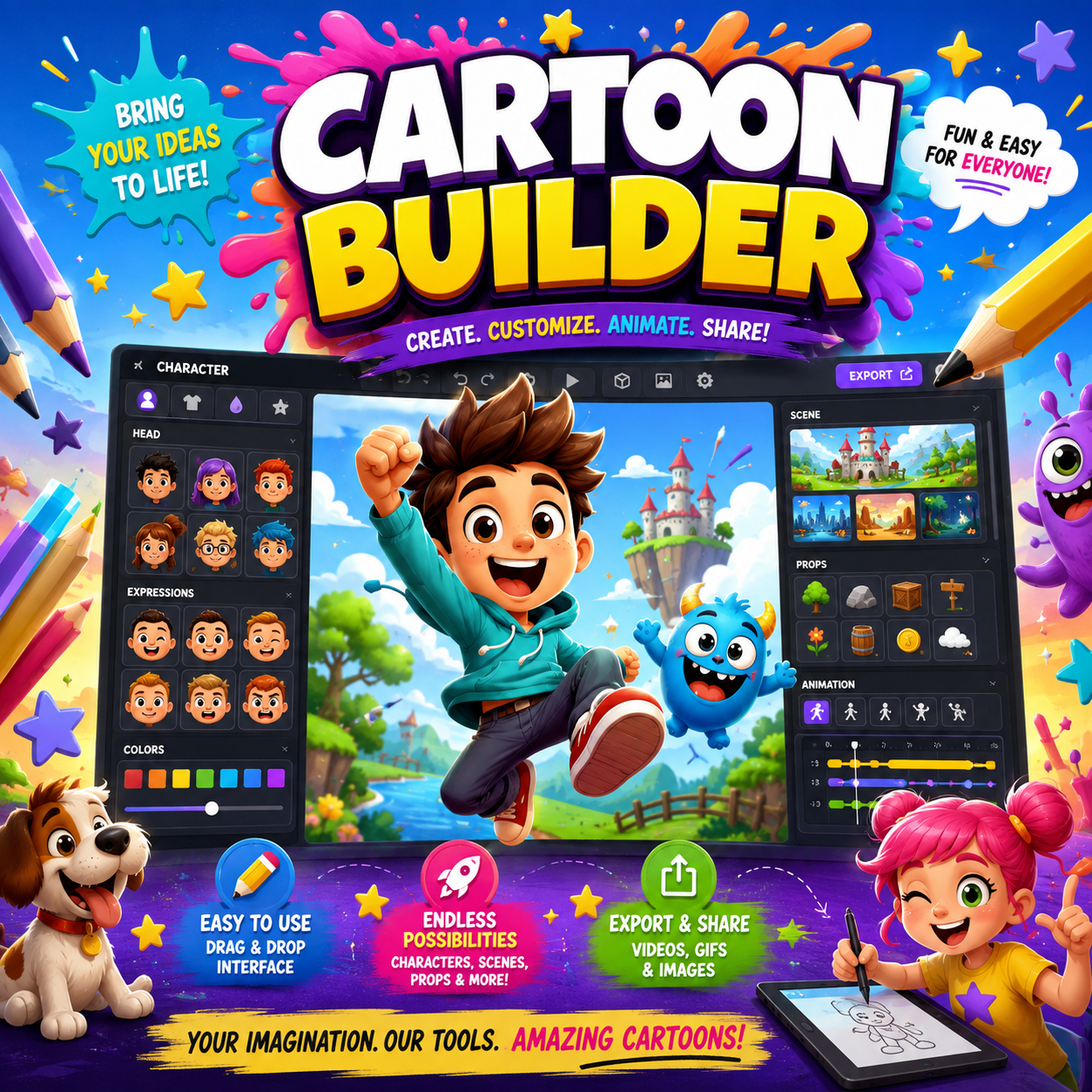
Create original characters, animated scenes, action sequences, voiceovers, and complete cartoon episodes with OnHosty Cartoon Animation Studio. The Studio combines visual character design, drag-and-drop scene building, live animation previews, timeline editing, real-time action recording, voiceover tools, special effects, and episode assembly into one creator-friendly workspace. Whether you are developing a children’s learning series, animated comedy, action adventure, fantasy story, anime-inspired battle series, music cartoon, or an entirely original show, OnHosty gives you the tools to turn your ideas into animated content. Build detailed original characters using a visual design layout inspired by professional character-creation software. The Character Builder includes: Customize character details such as: Choose from cartoon, kids, comedy, cinematic, cutout, anime-inspired, fantasy, science-fiction, and semi-realistic visual styles. Create your cast once and reuse it throughout your series. Users can: Drag saved characters directly from the Character Library onto the scene canvas. Preview and apply a large collection of character movements and actions, including: Control animation speed, timing, looping, placement, direction, and playback behavior. Create scenes where characters interact naturally instead of moving separately. Available interaction concepts include: Choose which characters interact, their spacing, animation speed, direction, leader, and matching effects. Create complete animated scenes using an easier visual editing system. Users can: The Scene Layers panel makes it easier to select and manage every character, prop, item, vehicle, effect, and graphic in the scene. Use the guided Full Scene Builder to configure: Completed scenes can be saved individually or added directly to the episode timeline. Record character and object movements while controlling them in real time. The movable Live Action Controller supports short performance takes of approximately 10 to 30 seconds, helping preserve storage and server resources. Record actions for: Control movement, rotation, walking, running, jumping, talking, fighting, flying, driving, object actions, attacks, and other available movements while recording. After each take, users can: Characters can properly hold, wear, carry, or use items instead of having them float nearby. Attach items to: Characters can use: Characters can also be placed inside or on: Assigned characters follow the movement of the vehicle and can be positioned as the driver, pilot, passenger, or rider. Create original animated action scenes featuring: The Studio supports original anime-inspired energy-action scenes without requiring copied characters or franchise assets. Add a broad range of effects to make scenes more dramatic, including: Effects can be placed, resized, animated, layered, and recorded as part of a scene. Upload original artwork and turn it into an animated scene character or object. The Studio supports practical 2D puppet-style animation through: This makes it possible to animate original artwork without rebuilding every character from the beginning. Record voiceovers directly inside the plugin using a connected microphone. Users can: The selected character can automatically receive a talking animation during playback. Microphone recording normally requires browser permission and an HTTPS-secured website. Complete scenes with: Present scenes from different perspectives, including: Arrange multiple scenes into a finished cartoon episode. The Episode Builder supports: Users can save scenes, continue building the current scene, create the next scene, or mark the complete episode ready for export. Protect creative work with: Choose from: Music and voiceovers restart correctly when playback loops. Export completed scenes and episodes in supported formats, including: MP4 conversion can use FFmpeg to create broadly compatible H.264 video with AAC audio when the server is properly configured. Export availability and performance may depend on the website server, browser, hosting resources, file size, and configured rendering system. Each user can connect their own YouTube account and channel. They can: Uploads are not sent to a shared OnHosty YouTube channel. YouTube publishing requires Google OAuth authorization and YouTube Data API access. The Studio includes quick guided steps and a detailed tutorial page explaining how to: The Quick Guide can be closed whenever it is not needed. The Studio is designed to avoid unnecessary background activity. Performance protections include: OnHosty Cartoon Animation Studio can support: OnHosty Cartoon Animation Studio is a digital-access product. It is not a web-hosting plan. The product provides access to the available cartoon-creation tools, project features, templates, animation systems, export options, and publishing integrations assigned to the purchased access level. Some features may require: Design your cast, record the action, add voices and effects, assemble complete episodes, and bring your original cartoon ideas to life with OnHosty Cartoon Animation Studio. Only eligible offerings with live checkout/support and sufficient marketplace Fuel slots are displayed. Each Engine operates its own storefront. OnHosty Marketplace purchases use platform checkout and separate seller settlement. Native direct-sale pages keep their original payment routes. Supported project contributions retain their native project-support workflow. Project support does not represent an investment or guaranteed return.Cartoon Builder Full Access
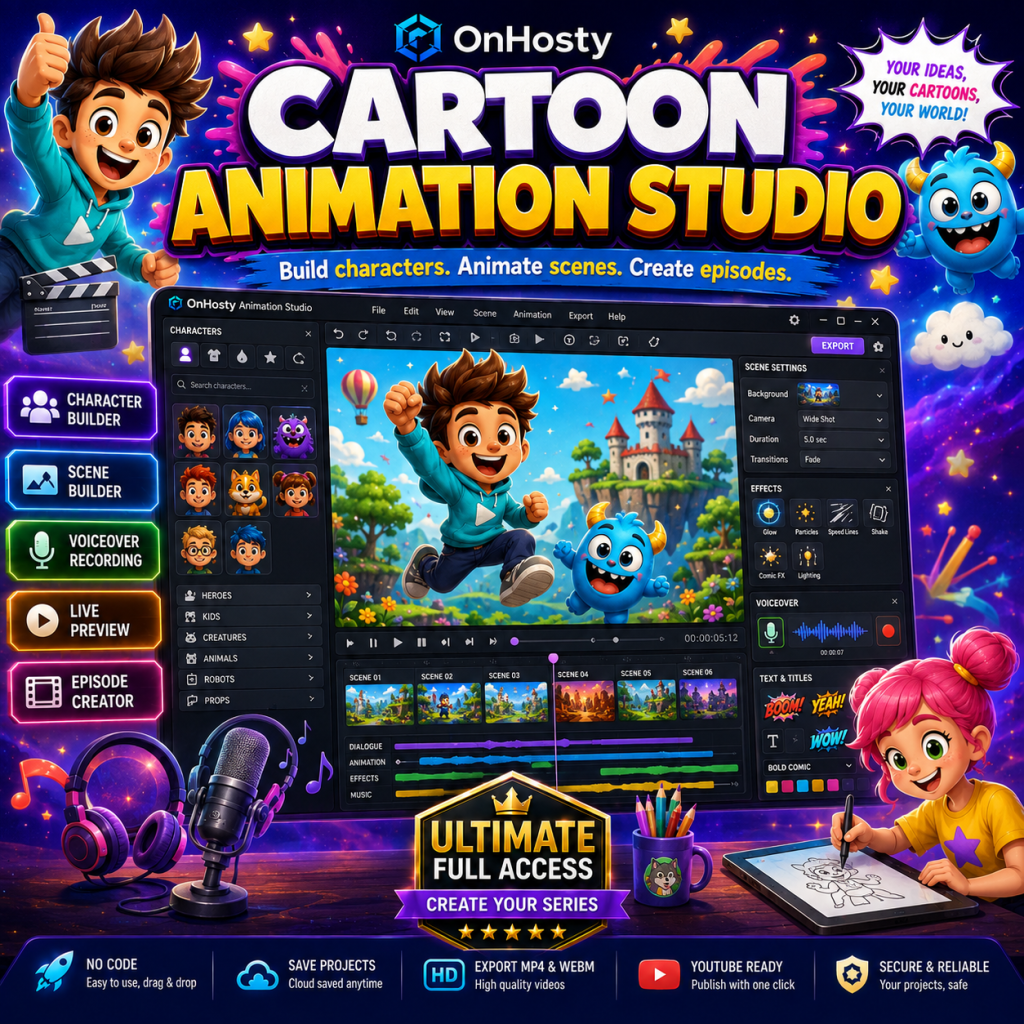
Get Early Access While Offer Lasts
Bring Your Cartoon Ideas to Life
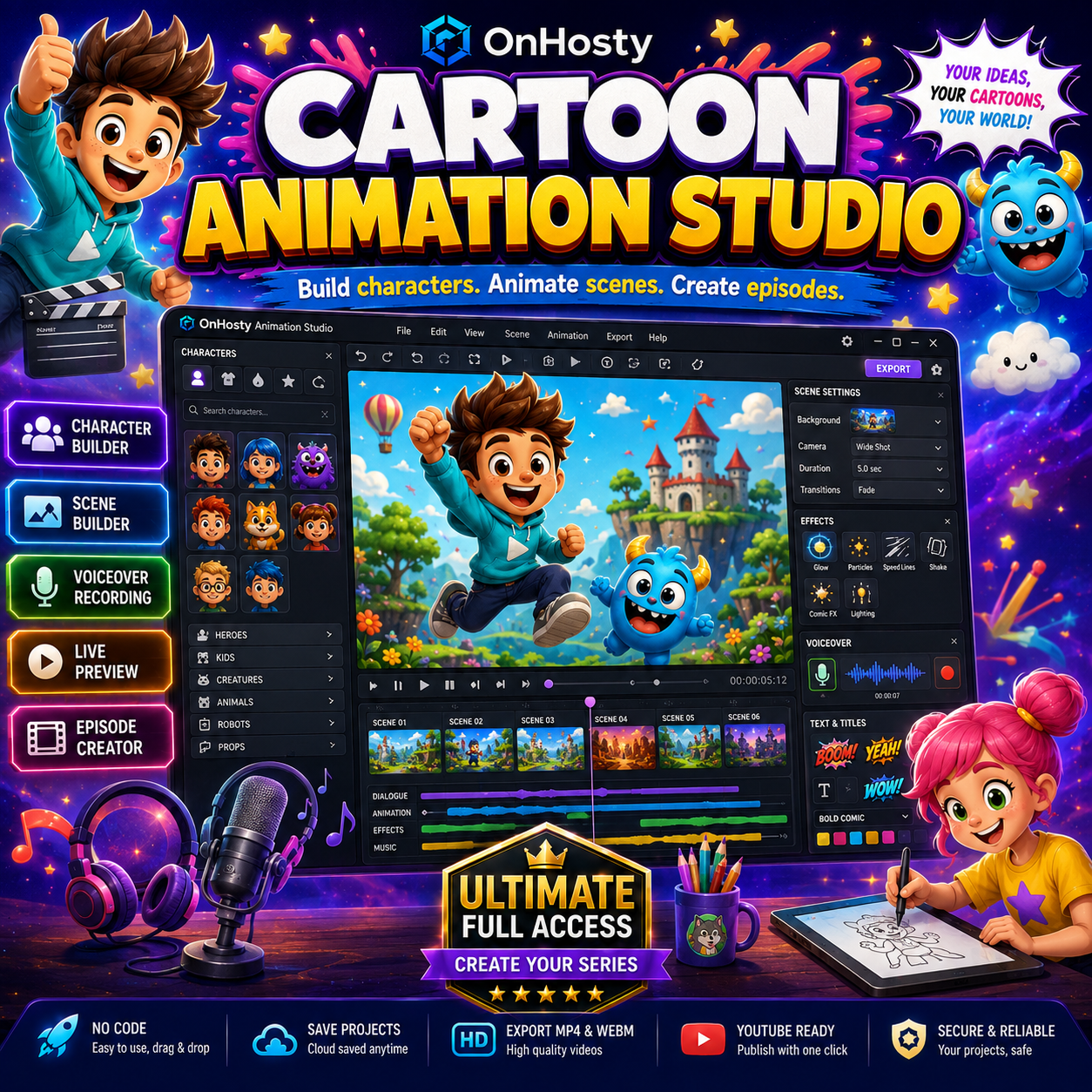
Visual Character Builder Pro
Save and Reuse Character Templates
Character Animation Tools
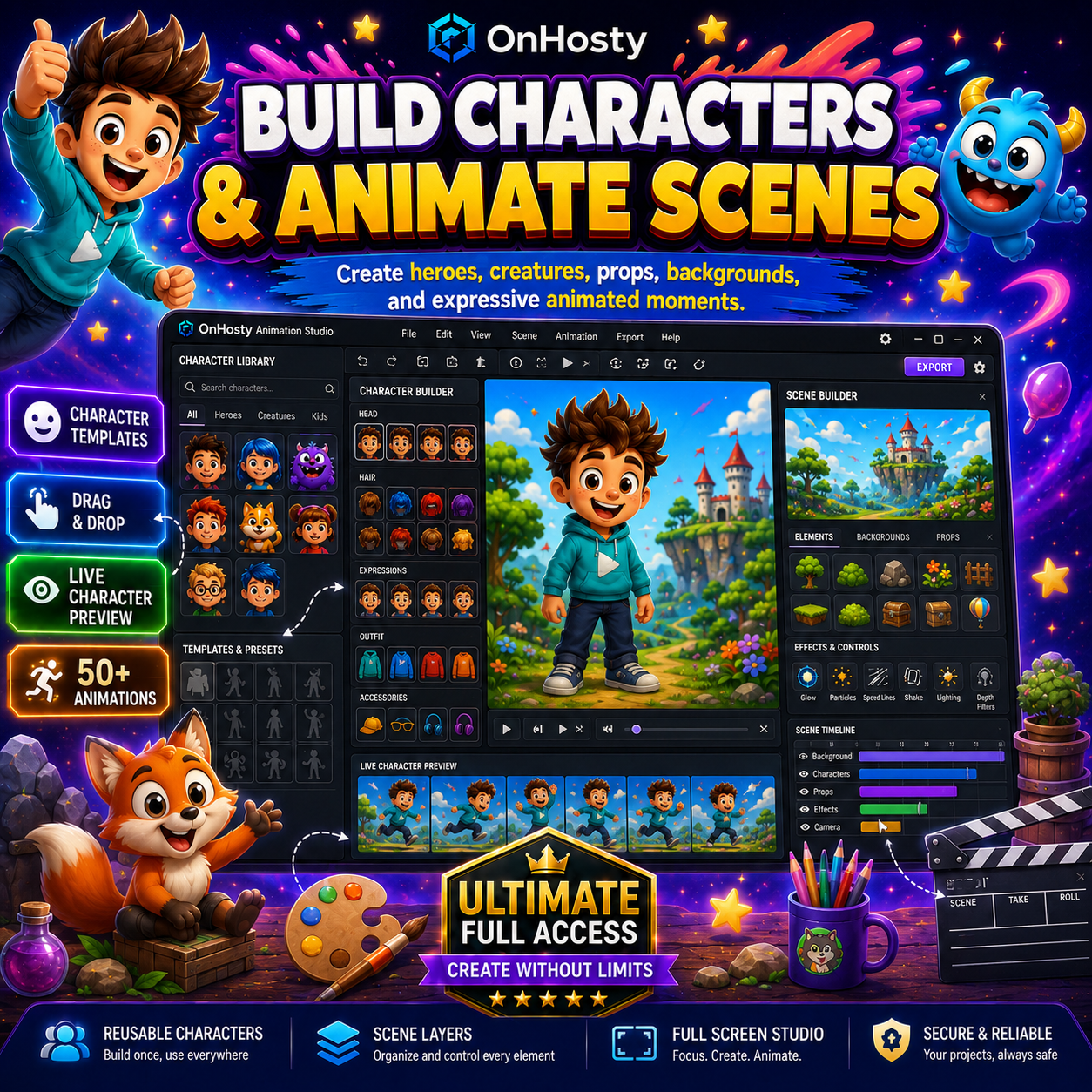
Character Interaction Animations
Drag-and-Drop Scene Builder
Build Full Animated Scenes
Real-Time Action Recording
Equipment, Weapons, Props, and Vehicles
Action, Fighting, and Energy-Battle Scenes
Special Attacks and Visual Effects
Upload Custom Artwork
Built-In Voiceover Recording
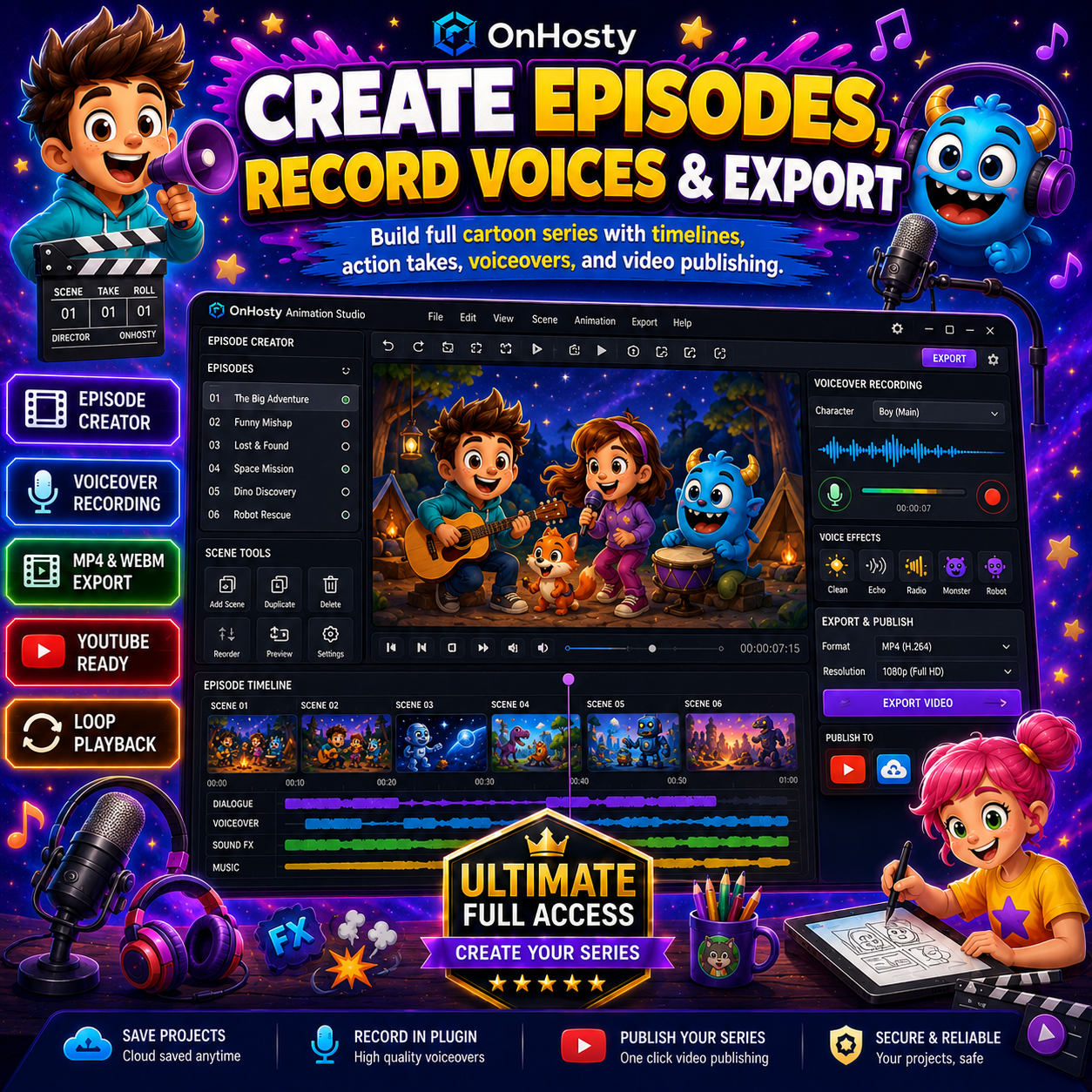
Music, Audio, and Post-Production
Multiple Camera Views
Assemble Complete Episodes
Undo, Redo, and Project Recovery
Loop Playback
Export Finished Cartoons
Publish to the Creator’s Own YouTube Channel
Guided Cartoon-Creation Instructions
Performance and Resource Protection
Designed for Many Types of Creators
Important Product Information
Create Your Characters. Build Your Scenes. Produce Your Series.