Description
OnHosty Screen Recorder Pro is a powerful WordPress screen recording and video creation plugin built for tutorials, walkthroughs, promos, training videos, product demos, support guides, course content, client updates, and marketing campaigns.
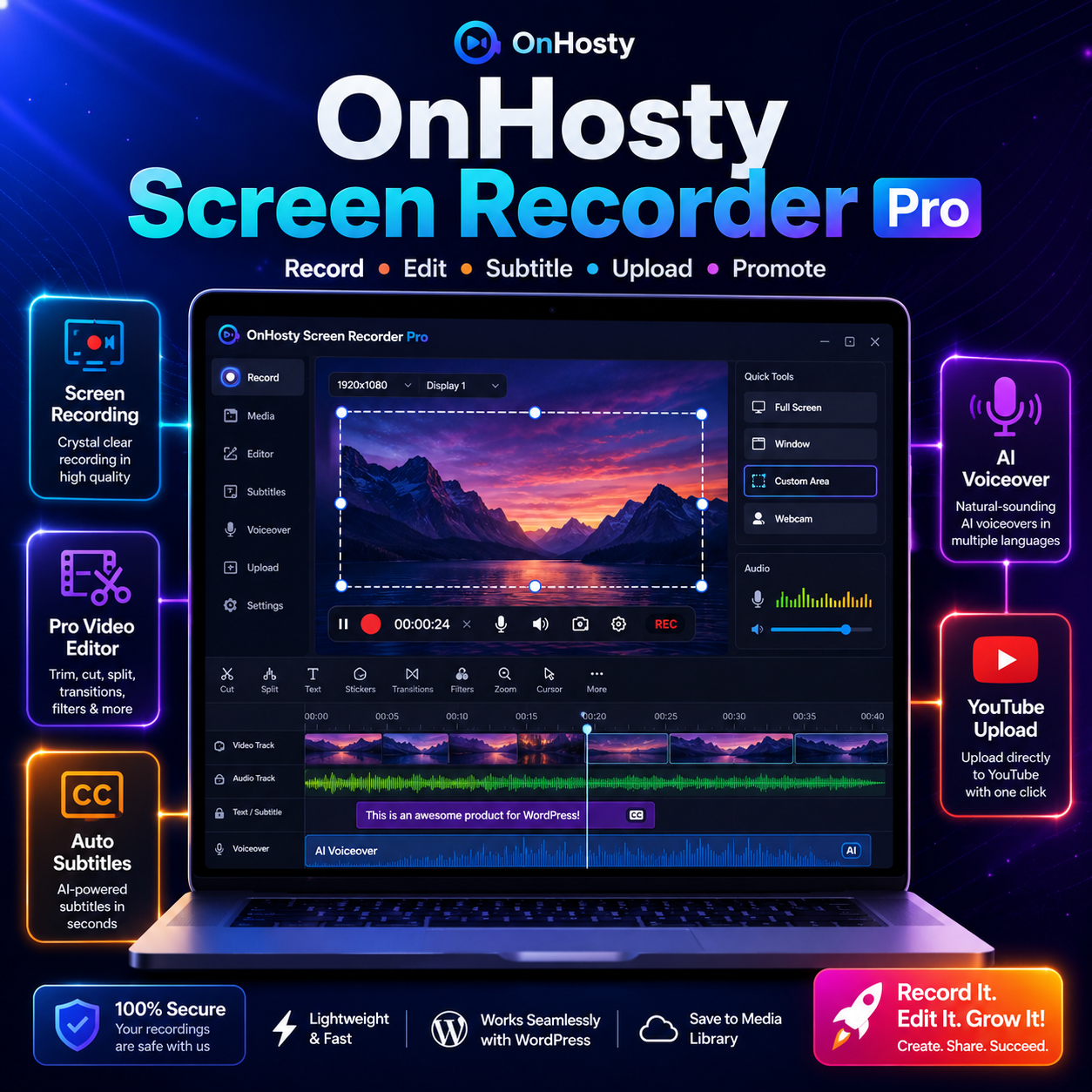
Record your WordPress pages, posts, admin dashboard, browser tab, screen, window, or selected area, then save your recording and open it inside a built-in video editor. Admins can control who can record, how long users can record, which roles can access frontend or backend tools, and what features are available.
Record Your Website With Ease
Create professional videos directly from your WordPress site. Users can record tutorials, explain features, capture page walkthroughs, create product demos, or make promotional clips without needing separate desktop software.
The recorder supports frontend use, wp-admin use, floating recorder controls, shortcode placement, minimize/close options, and remembered panel state across refreshes or new page loads.
Built-In Pro Video Editor
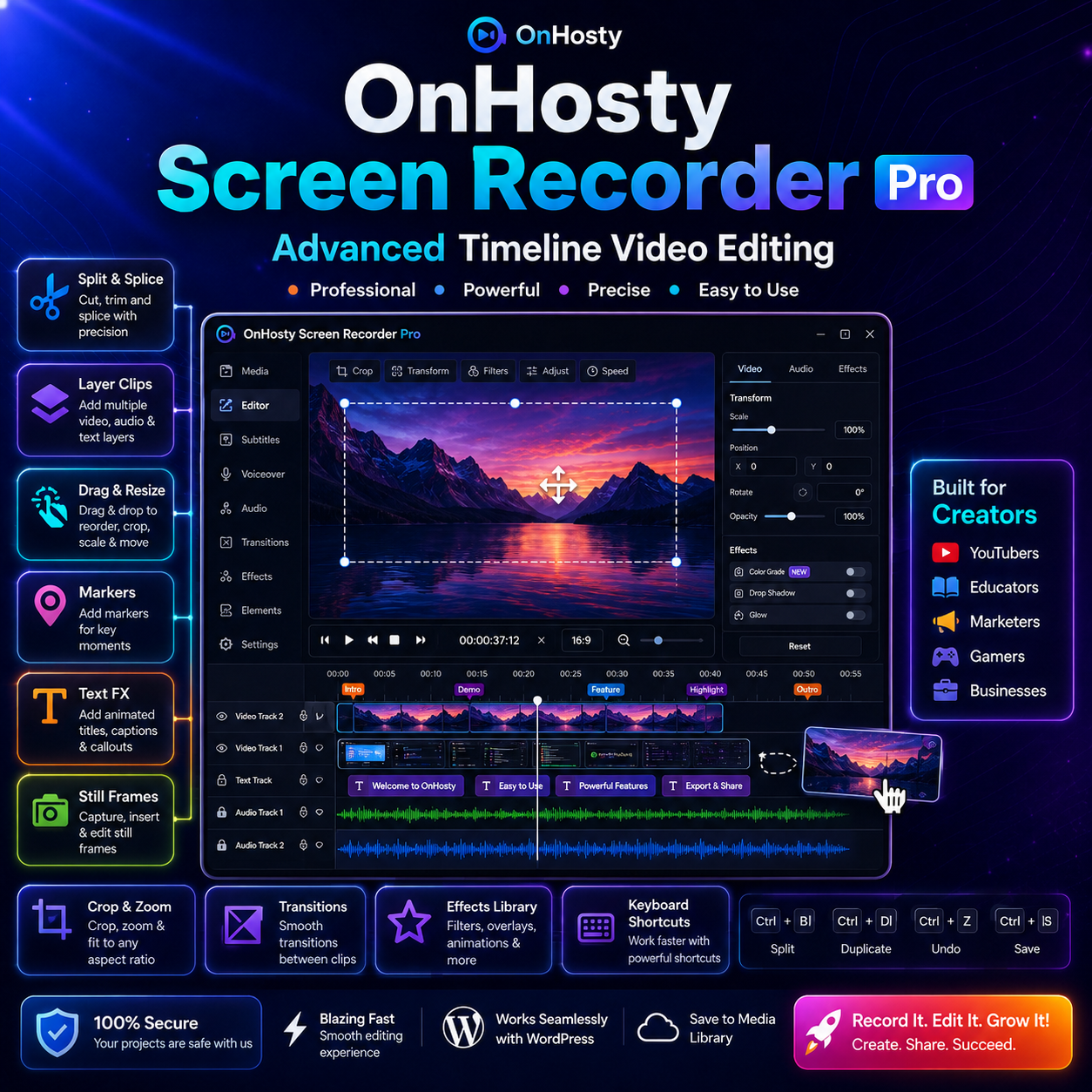
After recording, users can save the video first, then open it in a popup editor. The editor includes timeline-style tools for trimming, splitting, cropping, splicing, moving clips, adding still frames, placing markers, layering media, and building more polished videos.
Users can drag clips, shrink or expand clip length, move clips to new positions, add text overlays, apply font effects, add media, layer audio, and create cleaner final videos for tutorials, ads, social posts, or YouTube content.
AI Voiceover & Subtitles
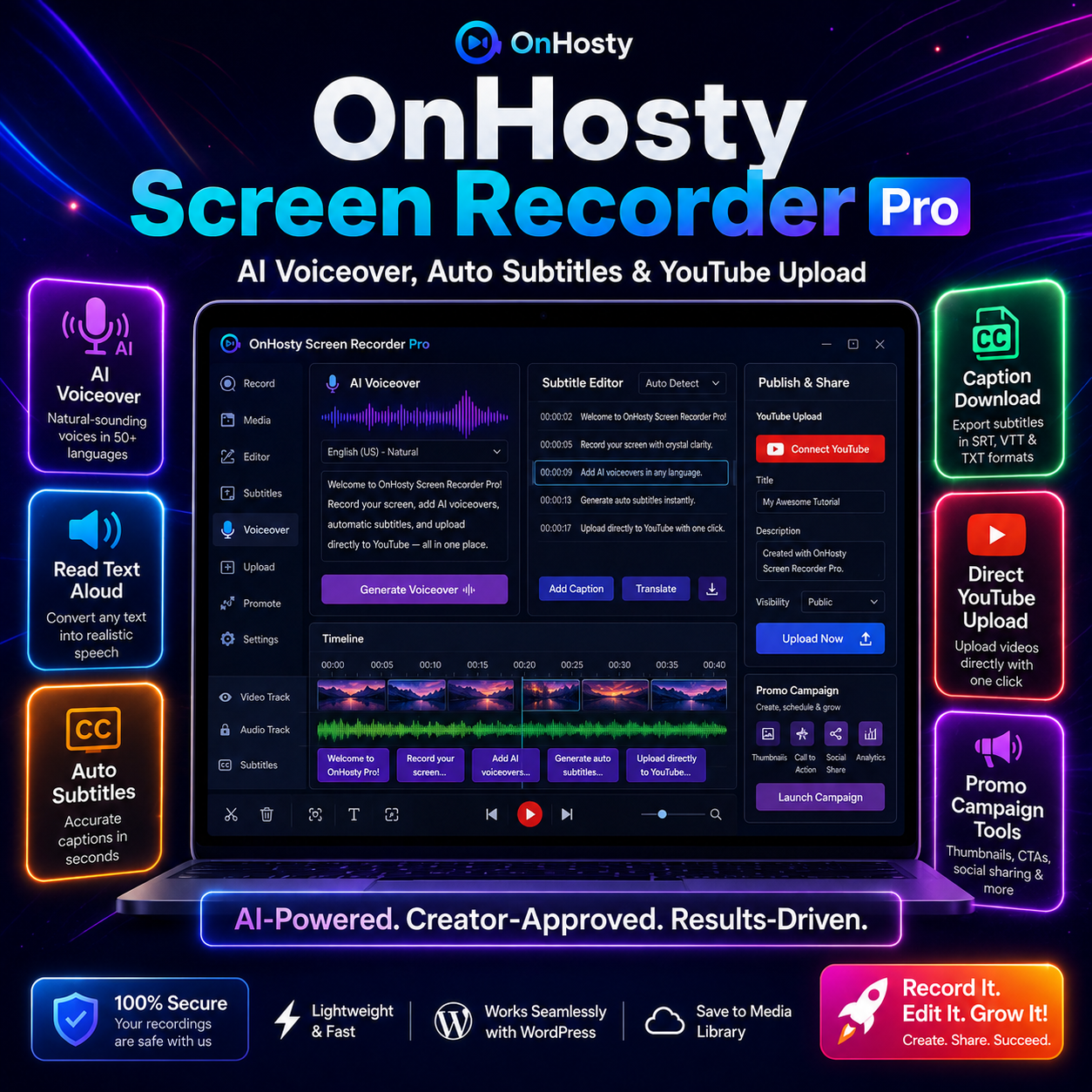
Create voiceovers from typed text, use browser read-aloud, or connect optional AI features for higher-quality voice generation and transcription. Add subtitles automatically, edit captions, download subtitle files, or burn captions directly into the final video.
This is useful for accessibility, social media videos, training content, and videos watched without sound.
YouTube Upload & Video Promotion Tools
Connect YouTube upload settings so allowed users can upload recordings directly to their own YouTube channel. The built-in promo/campaign tools help create video titles, descriptions, social captions, CTA copy, campaign links, and basic click tracking.
This makes the plugin more than a recorder — it becomes a full video creation and promotion workflow inside WordPress.
Key Features
- Screen, window, browser tab, page, post, admin, and selected-area recording
- Frontend recorder access
- Floating recorder button
- Minimize and close recorder panel
- Remember open/minimized/closed state after refresh
- Save recording before editing
- Save videos to WordPress Media Library
- Popup video editor
- Timeline editing tools
- Trim, crop, split, splice, copy, remove, and move clips
- Drag clips to new timeline positions
- Shrink or expand clip duration
- Add markers and still frames
- Add image, audio, video, and media layers
- Layer clips, audio, music, voiceover, text, and media
- Text overlays and font FX
- Clip animations and visual FX
- Keyboard shortcuts
- AI voiceover from text
- Browser text-to-speech fallback
- Auto subtitles and caption tools
- Download subtitle files
- Burn subtitles into video
- YouTube upload support
- Video campaign/promo builder
- Campaign CTA and tracked link tools
Perfect For
- WordPress tutorials
- Client walkthroughs
- Product demos
- Online courses
- Promo videos
- YouTube creators
- Support documentation
- Website training
- Marketing campaigns
- SaaS demos
- Agency client portals
- Membership dashboards
- Internal team training
Why Use OnHosty Screen Recorder Pro?
Instead of using multiple tools for screen recording, editing, captions, voiceover, uploading, and promotion, this plugin brings the full workflow into WordPress. Record your content, save it, edit it, enhance it, upload it, and promote it from one place.
OnHosty Screen Recorder Pro helps turn your WordPress site into a complete video creation studio.

Reviews
There are no reviews yet.