Description
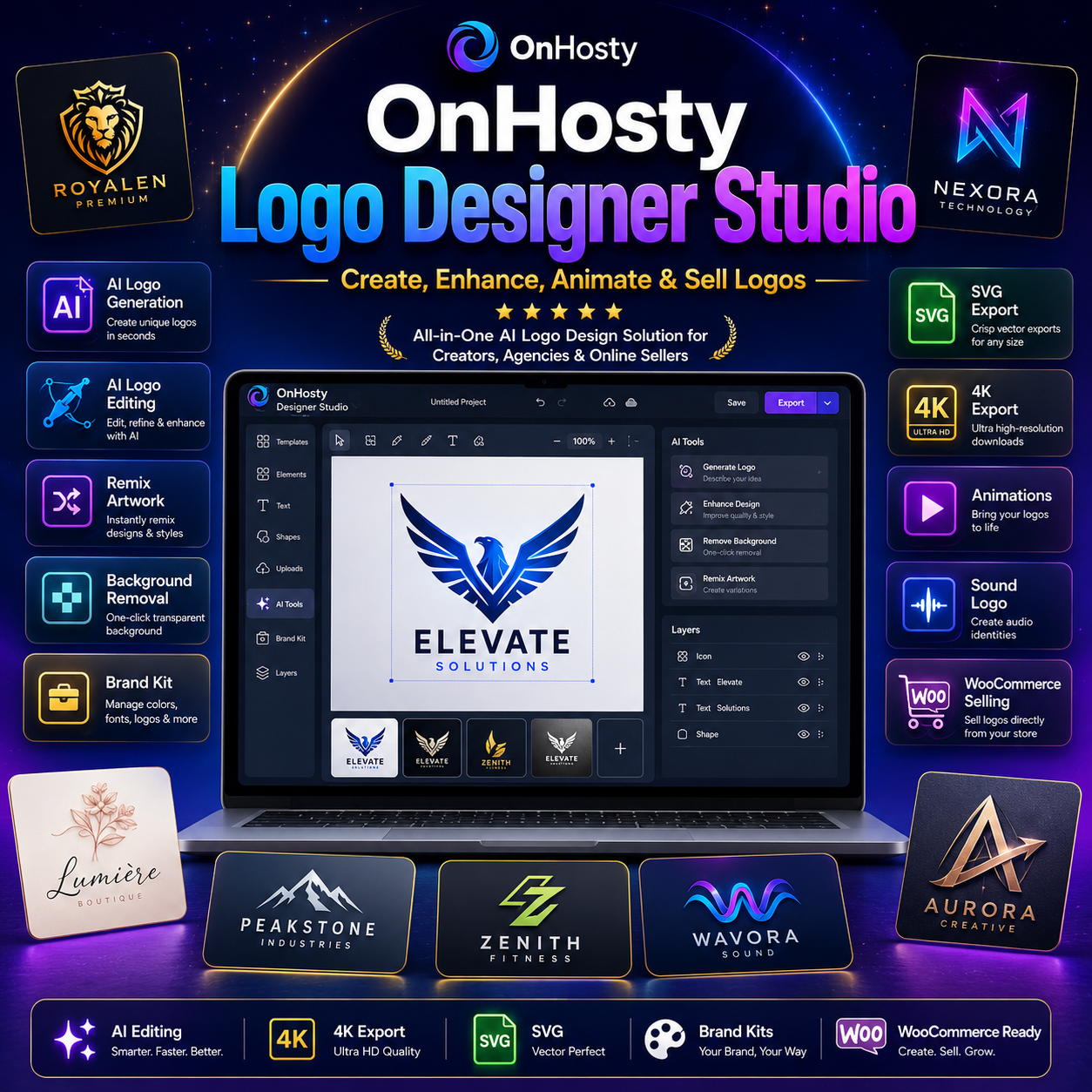
OnHosty Logo Designer Studio — Professional Logo Creation, AI Editing & Brand Design Suite 
Create, enhance, animate, package, and sell professional logos from one powerful frontend design studio.
OnHosty Logo Designer Studio gives users a complete visual workspace for building custom logos, transforming uploaded artwork, experimenting with premium effects, generating new concepts with AI, creating brand assets, and turning finished designs into downloadable WooCommerce products.
Whether you’re creating a new business identity, redesigning an existing logo, building graphics for a client, creating gaming or creator branding, or preparing logos for sale, Logo Designer Studio puts the entire workflow into one streamlined dashboard.
Create Logos Your Way
Start with a blank canvas or upload your own artwork and continue designing directly inside the studio.
Create designs using:
- Custom text and typography
- Shapes and graphic elements
- Brush drawing
- Eraser tools
- Paint fill
- Automatic gap-closing before paint fill
- Layer positioning
- Drag-and-drop editing
- Resizing
- Rotation
- Opacity
- Layer ordering
- Duplication
- Undo and redo
- Cropping
- Canvas resizing
- Custom backgrounds
- Transparent canvases
The smart paint-fill system can automatically close small gaps in line art before applying color, helping prevent paint from spilling across the entire design.
Upload & Remix Your Own Artwork
Already have a logo, sketch, image, or design?
Upload it directly into Logo Designer Studio and continue working with it.
Use the built-in Remix / Scramble tools to rearrange and reinterpret uploaded graphics for new creative directions.
You can also combine multiple images into custom logo collages and compositions.
Premium Logo Enhancement Tools
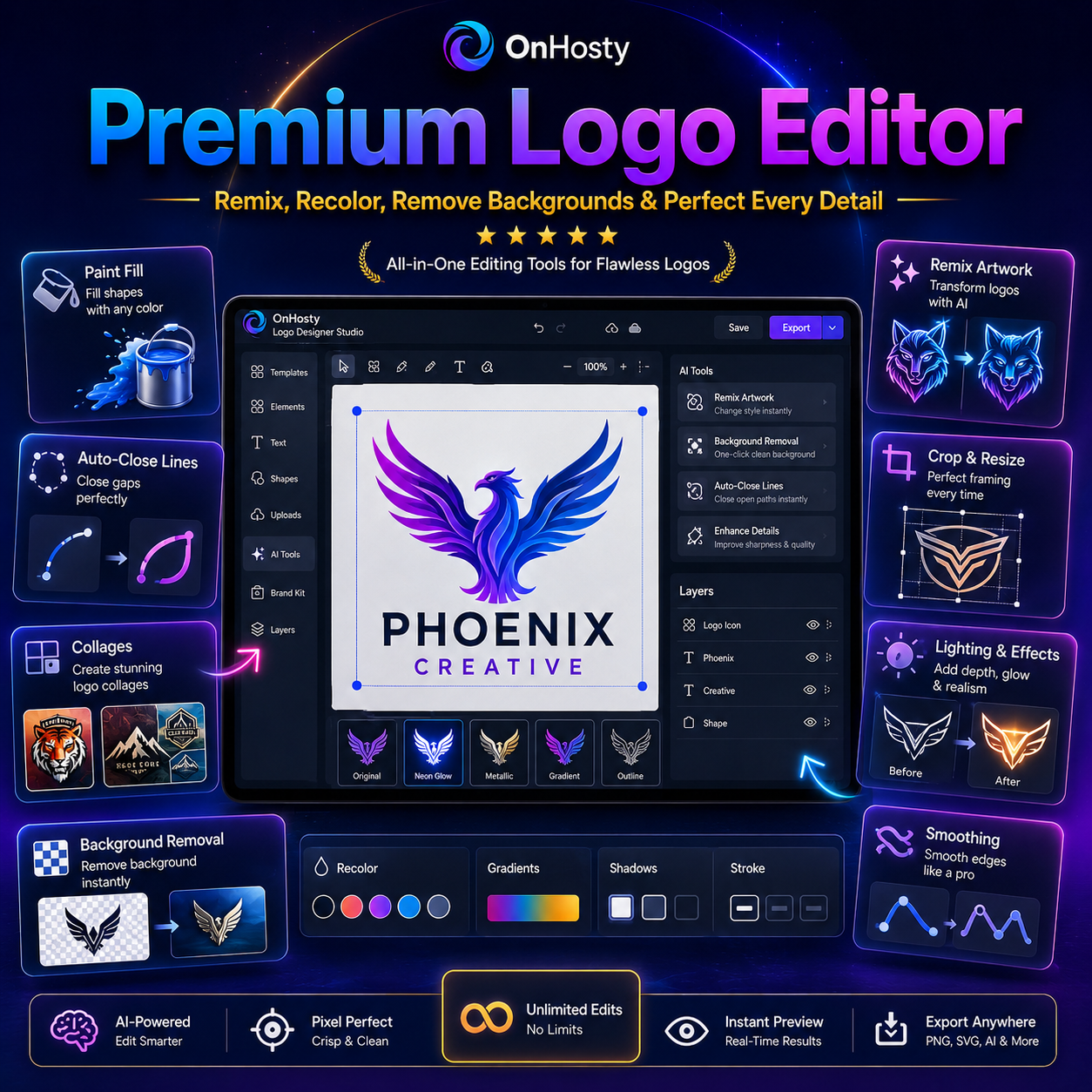
Transform ordinary graphics into more polished designs with professional image controls including:
- Brightness
- Contrast
- Saturation
- Hue
- Smoothing
- Blur
- Lighting adjustments
- Shadow impact
- Color adjustments
- Auto Enhance
- Premium visual effects
Choose from multiple built-in visual transformations such as:
- 3D
- Cartoon
- Realistic
- Neon
- Vintage
- Sketch
- Metallic
- Glass
- Glitch
- Watercolor
- Comic
- Duotone
- Holographic
- Emboss
- Noir
AI Logo Generation
Generate entirely new logo concepts from a written description.
Describe the business, style, colors, mood, industry, icon, or branding direction you want and let AI generate a concept that can be brought directly into the Logo Studio for further editing.
Users can choose between:
Bring Your Own OpenAI API Key
Use your own OpenAI account and API usage.
or
OnHosty AI Fallback
When enabled by the site administrator, users without their own API key can use available OnHosty AI credits.
OnHosty AI credits are charged only according to the configured usage system.
Real AI Logo Editing
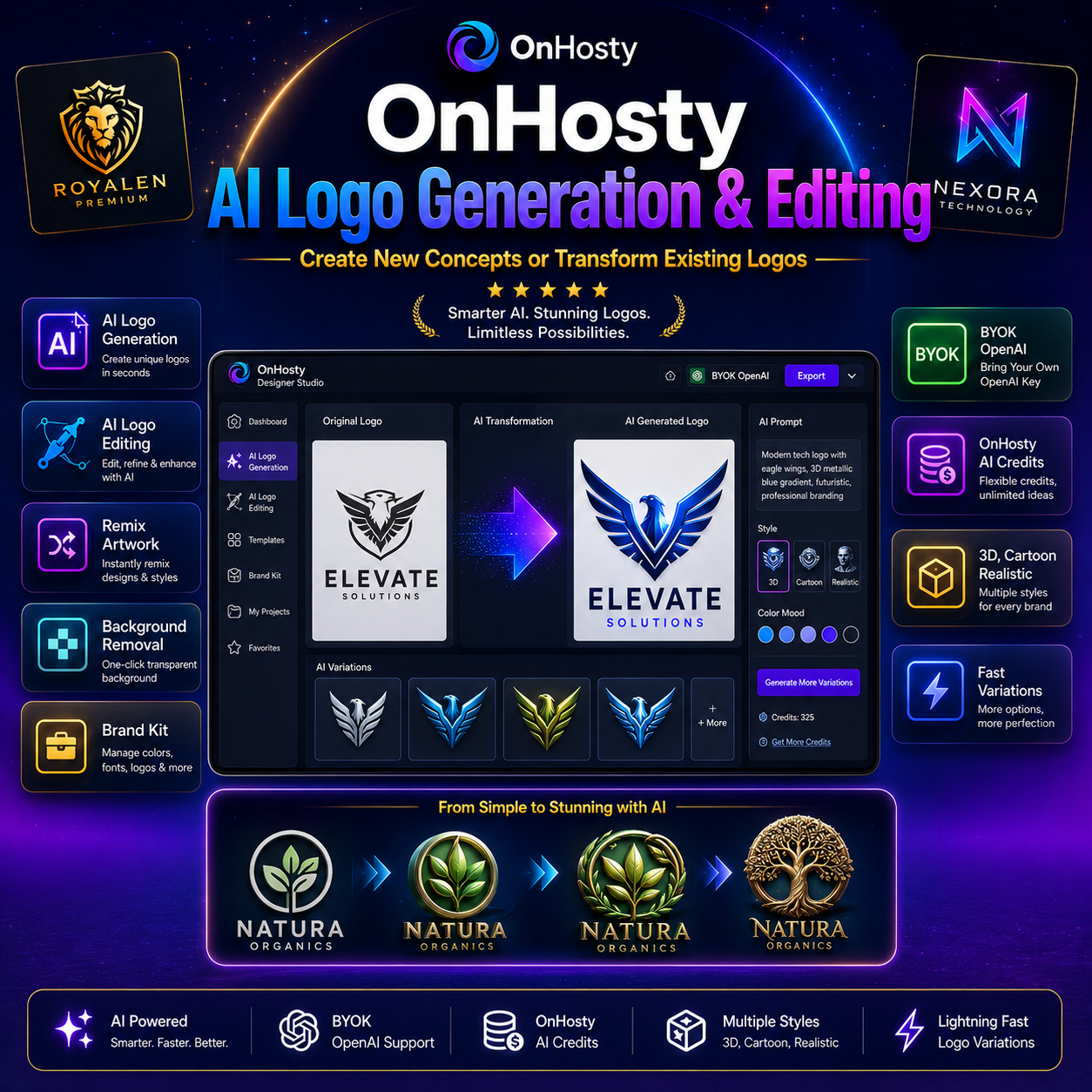
AI is not limited to creating new logos.
Upload an existing logo and ask AI to transform or improve it.
Quick AI transformations include styles such as:
- 3D Chrome
- Cartoon
- Realistic
- Luxury Gold
- Neon
- Embroidery
- Gaming
- Graffiti
You can also enter custom instructions such as:
“Make this logo look more luxurious.”
“Turn this into a professional esports logo.”
“Make the symbol metallic but preserve the text.”
“Modernize this logo while keeping the original concept.”
This creates a powerful workflow for redesigning and enhancing existing artwork instead of starting over.
Smart Background Removal
Remove plain or connected backgrounds directly inside the editor.
The background-removal system analyzes connected background areas and creates a transparent result without requiring an AI generation request.
Use it to prepare logos for:
- Websites
- Clothing
- Merchandise
- Videos
- Watermarks
- Social media
- Product packaging
Transparent Logo Creation
Create professional transparent logo files using the built-in transparent canvas mode.
The editor displays transparency with a checkerboard preview while still allowing you to design normally.
Transparent designs can be exported in compatible formats for use across websites, products, advertising, and media.
Professional Typography
Customize logo text using an expanded typography system.
Controls include:
- Multiple font choices
- Font size
- Letter spacing
- Curved text
- Positive and negative text arcs
- Text stroke
- Stroke width
- Stroke color
- Rotation
- Opacity
- Positioning
- Resizing
Create everything from clean corporate wordmarks to bold gaming and entertainment logos.
60+ Logo Animations
Turn static branding into animated logo intros and effects.
Logo Designer Studio includes 66 animation choices for creating attention-grabbing logo presentations.
Use animations for:
- Video intros
- Creator channels
- Streams
- Advertising
- Social posts
- Gaming brands
- Product presentations
- Website graphics
Preview animations directly inside the studio and export animated designs to WebM where supported.
Add Sound to Your Logo
Create complete multimedia logo experiences by attaching audio to a design.
Upload or select a sound effect, music sting, voice clip, or branded audio cue and pair it with your logo.
Sound can also be included as an additional downloadable file when creating eligible WooCommerce products.
High-Resolution Export
Export finished artwork in multiple formats and resolutions.
Available workflows include:
- PNG
- JPG
- WebP
- Transparent PNG
- SVG
- Animated WebM
- Standard resolution
- 2× resolution
- 4K high-resolution export
High-resolution exports are re-rendered at the larger size instead of simply stretching a low-resolution screenshot.
SVG & Vector-Friendly Export
Export logos to SVG for additional flexibility.
Text and supported shapes remain vector elements while raster artwork can be embedded inside the SVG for portability.
SVG files are ideal for logos because they can scale cleanly for many branding and production workflows.
Automatic Brand Kit Generator
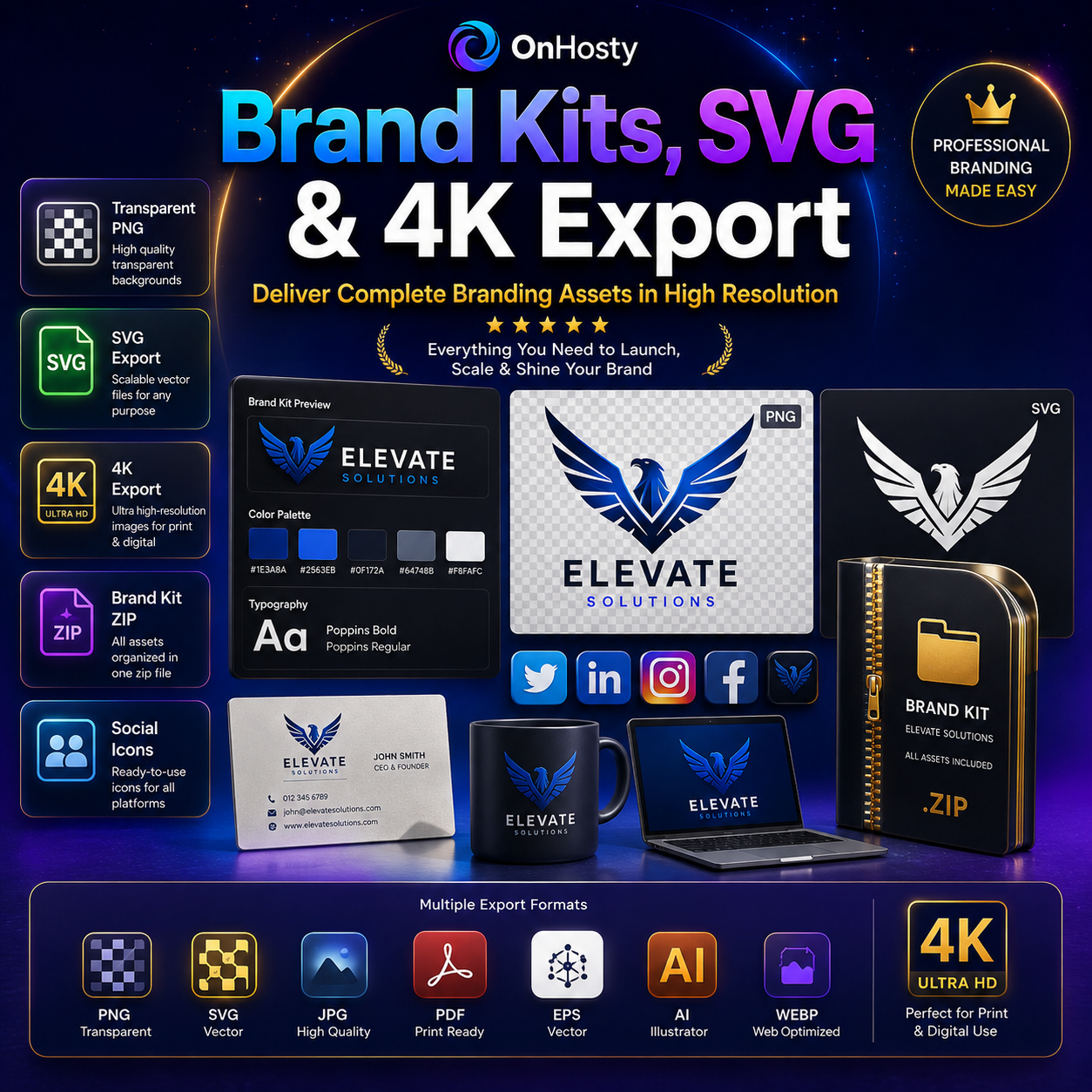
Turn one finished logo into an entire branding package.
The built-in Brand Kit generator can automatically prepare assets such as:
- Primary logo
- Website logo
- Social media version
- Square profile icon
- Favicon
- Brand color palette
- Dominant color information
- CSS brand colors
- Brand guide file
Download the complete package as a convenient ZIP file.
Project Saving & Autosave
Save logo projects directly to your account and continue working later.
Features include:
- Manual saving
- Automatic saving
- Project reopening
- Project duplication workflows
- Project deletion
- Frontend project management
Version History
Experiment without worrying about destroying your previous design.
Logo Designer Studio can maintain multiple previous project versions, allowing you to restore earlier states after major edits, remixes, or AI transformations.
This makes the editor especially useful for client work and creative experimentation.
Create Downloadable WooCommerce Products
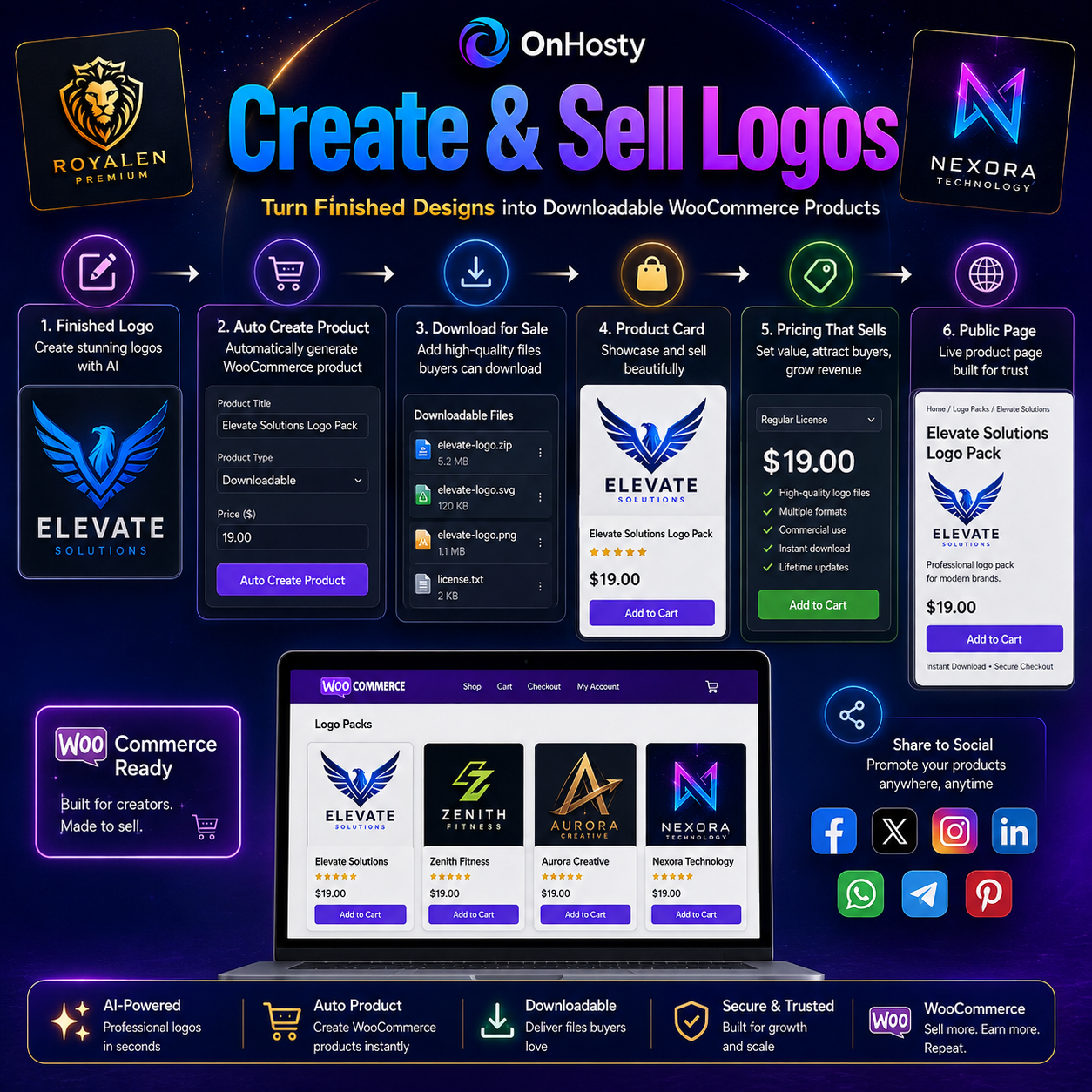
Finished logos can become products.
Eligible users can automatically create or update a WooCommerce product directly from the frontend Logo Designer Studio.
The system can:
- Export the completed logo
- Create a virtual product
- Make the product downloadable
- Add the logo download
- Include an optional sound-logo download
- Set a selling price
- Add a description
- Set the product image
- Create a public logo presentation page
This allows creators and designers to move directly from designing to selling.
Share Your Finished Logo
Use the built-in sharing tools to send finished designs through supported browser and social-sharing workflows.
Logo Designer Studio is designed to help users quickly move finished branding into marketing and promotional channels.
One Complete Frontend Dashboard
Customers do not need to work inside the WordPress admin area.
One shortcode powers the complete experience:
The dashboard includes:
Logo Studio
Create and edit designs.
My Projects
Manage saved logo projects.
AI Logo Lab
Generate and transform logos with AI.
API Keys & Usage
Manage personal AI keys, usage limits, and available OnHosty AI credits.
Bring Your Own API Key
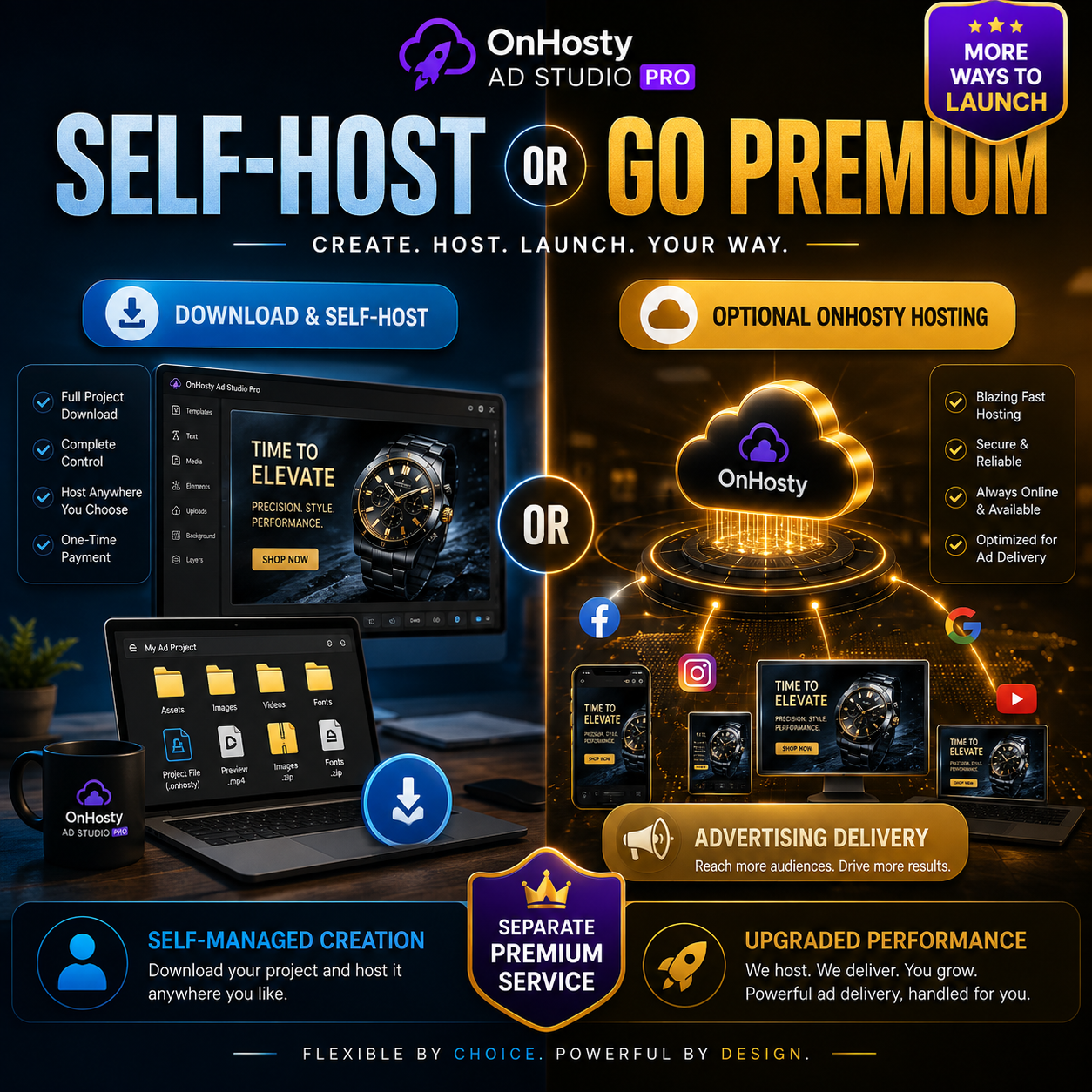
Customers can securely add their own OpenAI API key from the frontend dashboard.
Saved keys are protected and are not exposed back to frontend JavaScript after storage.
Additional API credential fields are also available for compatible future integrations.
OnHosty AI Credit Support
Administrators can optionally provide OnHosty AI as a fallback for customers who do not have their own AI account.
The system supports:
- Starting credit balances
- Credit charges per generation
- Separate AI-editing costs
- WooCommerce AI-credit products
- Automatic credit additions after eligible purchases
- Credit usage history
- Failed-request credit protection
- Refund and cancellation handling
This provides a flexible way to offer AI functionality as part of a paid service.
Admin-Controlled Client Limits
Administrators stay in control of how the Logo Designer is used.
Configure limits and permissions by WordPress role, including:
- Maximum saved projects
- Monthly exports
- Monthly AI calls
- Monthly WooCommerce products
- Maximum upload size
- AI access
- Product-selling access
- Public-page creation
- Frontend studio access
A dedicated Logo Designer Client role is included for customer access.
Built for Creators, Designers & Businesses
OnHosty Logo Designer Studio is ideal for:
- Small businesses
- Entrepreneurs
- Freelance designers
- Graphic designers
- Agencies
- YouTubers
- Streamers
- Gaming brands
- Clothing brands
- Online stores
- Musicians
- Content creators
- Social media brands
- Marketing companies
- Resellers
- Client-service businesses
From the first sketch to a downloadable product and full Brand Kit, OnHosty Logo Designer Studio brings professional logo creation, AI assistance, multimedia branding, and selling tools into one powerful frontend experience.

Reviews
There are no reviews yet.