Description
OnHosty Document Studio
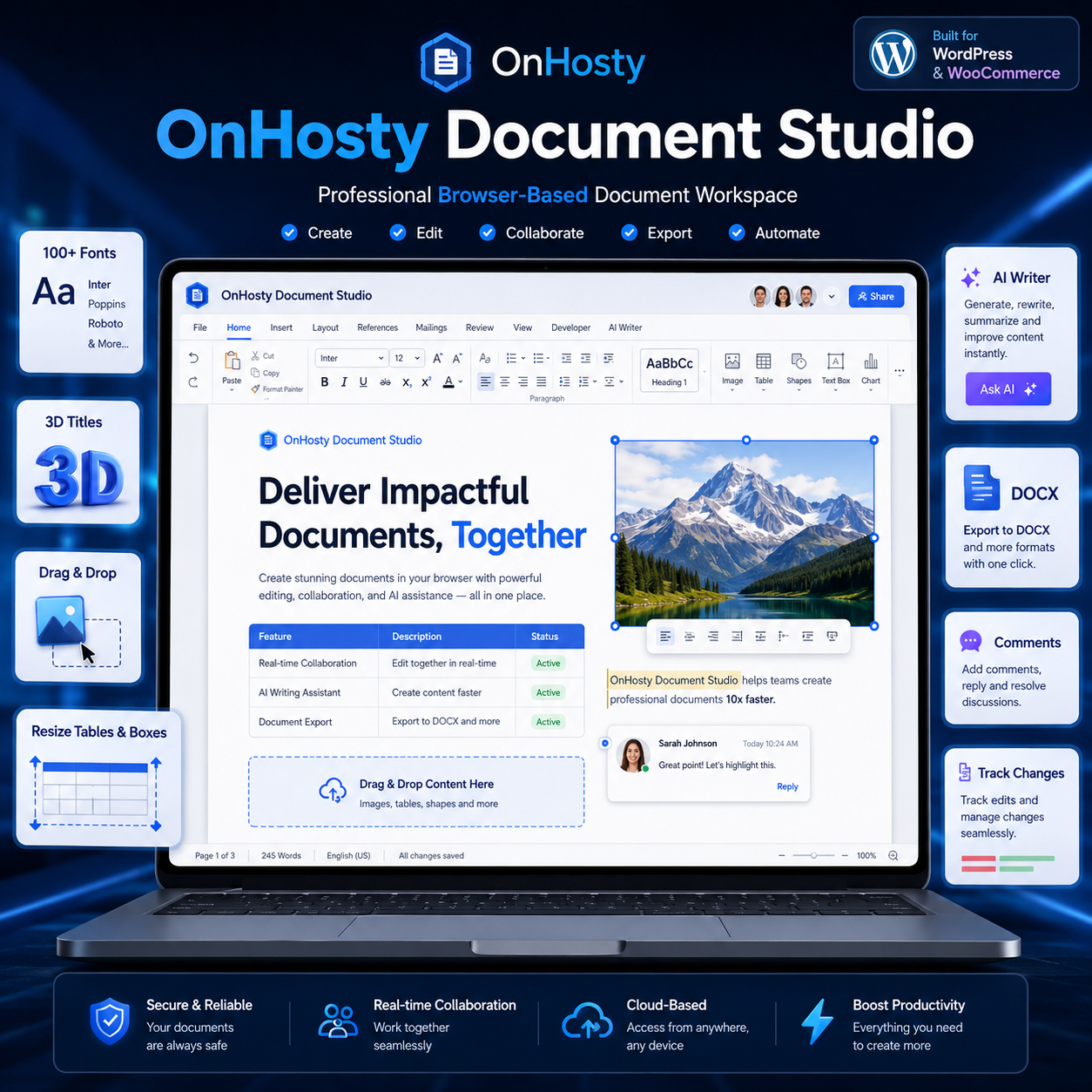
Create, Edit, Design & Manage Documents Directly From Your Website
Turn your WordPress website into a complete online document workspace with OnHosty Document Studio.
Designed for businesses, creators, teams, students, professionals, and OnHosty-powered workspaces, Document Studio combines traditional word-processing features with a flexible visual document designer.
Write a simple letter, build a formatted business document, design a custom report, create forms and tables, collect signatures, collaborate with others, or build more advanced page layouts—all directly from your browser.
Visual Drag-and-Drop Document Editing
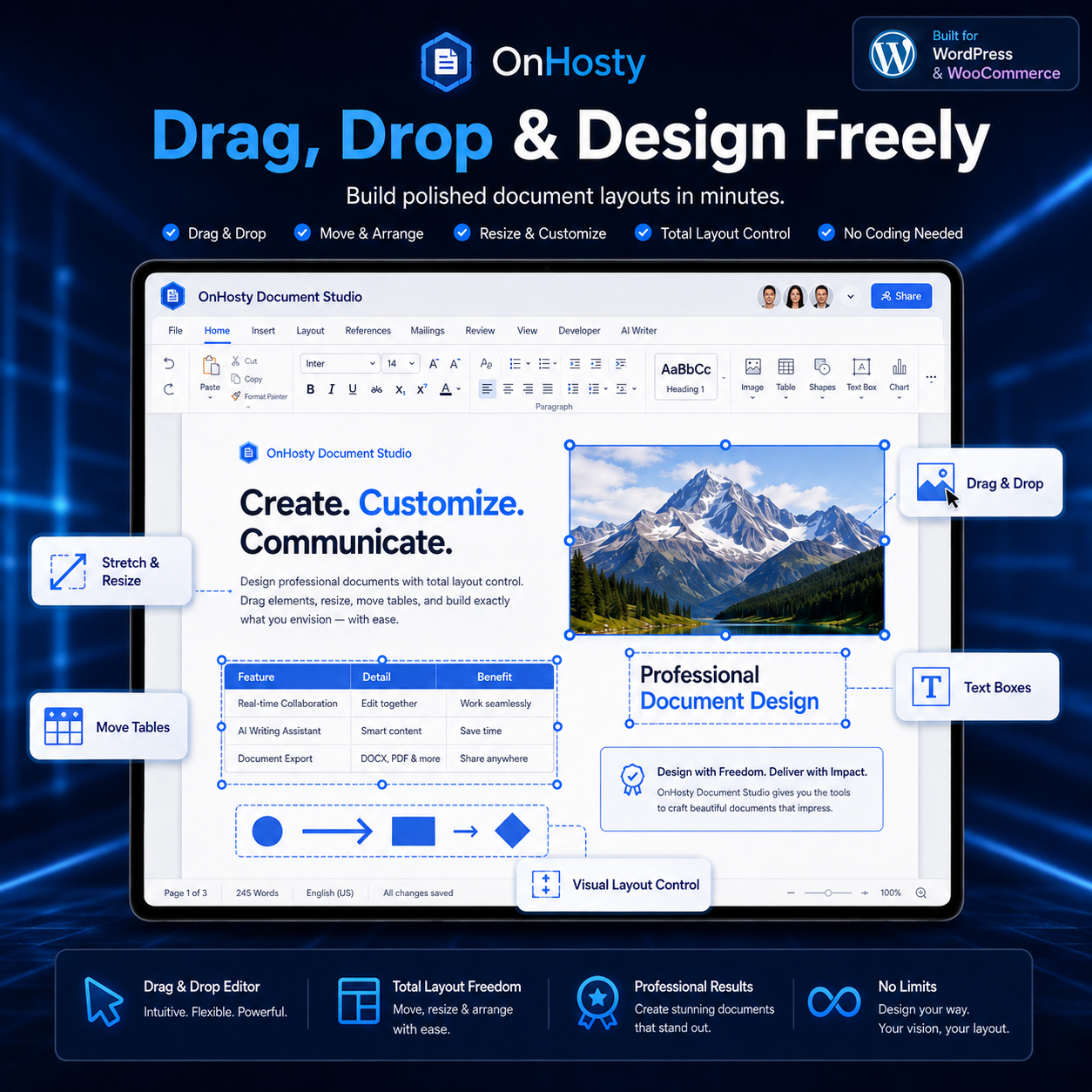
Document Studio goes beyond basic text editing.
Select supported document objects and visually control their placement inside your document.
Move, resize, stretch, and arrange:
- Text boxes
- Tables
- Images
- Shapes
- Signature elements
- Visual document objects
Selected elements can display resize handles, allowing you to stretch objects horizontally, vertically, or from the corners.
Move items around your document to create layouts that look the way you want instead of being restricted to basic fixed document formatting.
Your object positioning and dimensions can also be saved with the document so your custom layout is restored when you reopen your work.
Powerful Rich Text Editor
Create professional documents using familiar formatting controls, including:
- Headings and paragraphs
- Bold
- Italic
- Underline
- Font formatting
- Text alignment
- Lists
- Links
- Indentation
- Structured document layouts
- Rich text editing
- Copy and paste
- Undo and redo
Build anything from quick notes to detailed professional documents.
Advanced Table Tools
Add structured tables directly into your document and customize them visually.
Document Studio supports tools for working with:
- Rows
- Columns
- Table content
- Table sizing
- Table positioning
- Width adjustments
- Height adjustments
- Expandable layouts
You can resize an entire table to better match invoices, reports, schedules, worksheets, business documents, and custom page designs.
Images & Media
Add visual content directly into documents and position it where you need it.
Supported workflows can include:
- Insert images
- Drag images into the editor
- Reposition images
- Resize images
- Stretch images
- Maintain image proportions while resizing
- Combine images with text and other document elements
Create visually engaging documents without being limited to text-only layouts.
Text Boxes & Shapes
Build more customized document layouts using movable text boxes and shapes.
Great for:
- Callout boxes
- Notices
- Headers
- Labels
- Promotional documents
- Certificates
- Worksheets
- Business forms
- Branded reports
- Custom visual layouts
Move and resize these elements to create a more desktop-publishing-style document experience.
Comments & Collaboration Tools
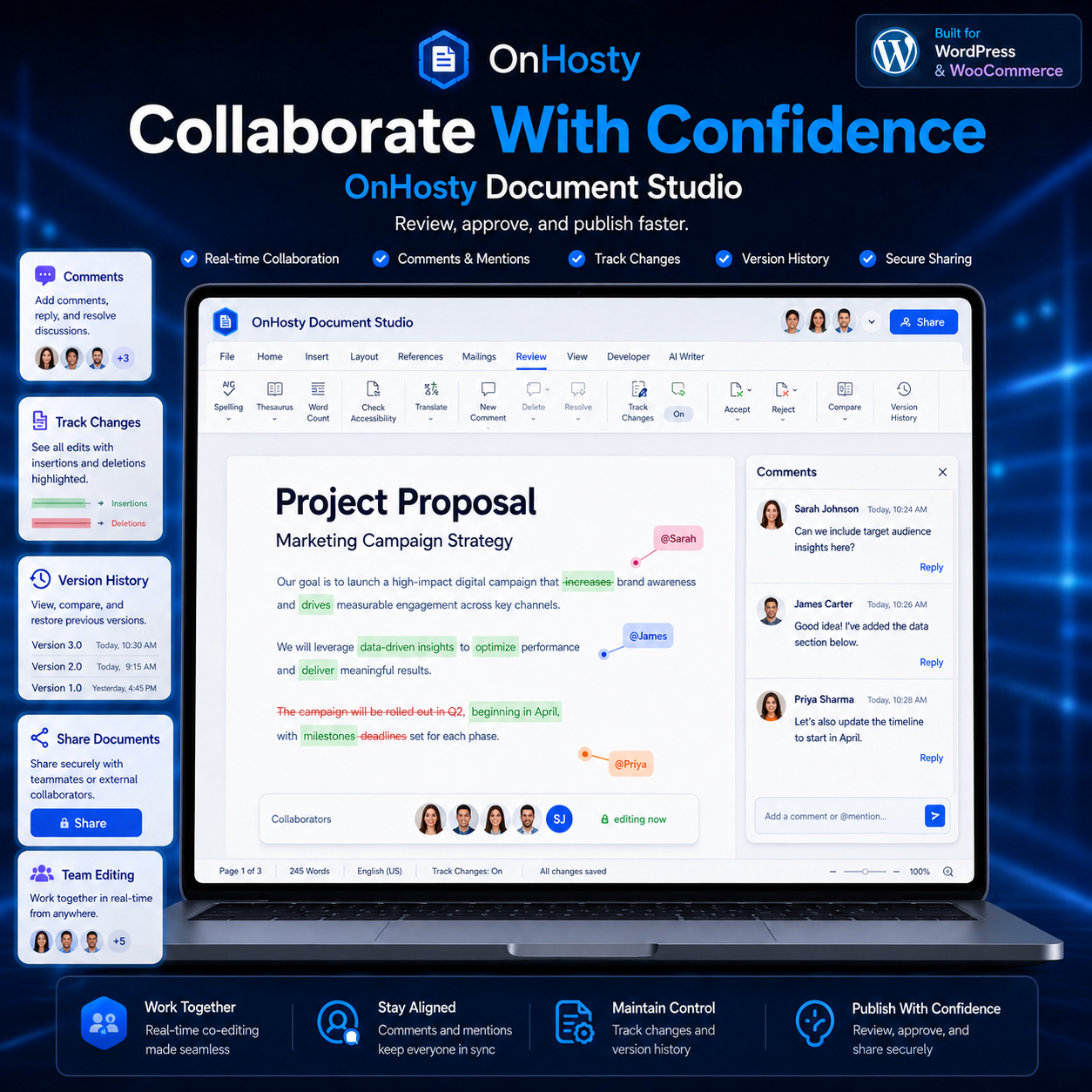
Document Studio is built for workflows that may involve more than one person.
Use collaboration-focused tools such as:
- Document comments
- Sharing
- Collaborative editing
- Review workflows
- Track changes
- Document revisions
This makes Document Studio useful for internal teams, clients, editors, administrators, and business workflows.
Track Changes
Review document edits without losing visibility into what was changed.
Track Changes can help teams and document owners review revisions before accepting final content.
Perfect for:
- Contracts
- Business documents
- Client revisions
- Team editing
- Draft reviews
- Policies
- Proposals
Digital Signatures
Add signature functionality to supported documents for workflows that need acknowledgements, approvals, or signed documentation.
Use Document Studio for documents such as:
- Agreements
- Approval forms
- Internal documents
- Client paperwork
- Service forms
- Authorization documents
AI Writing Tools
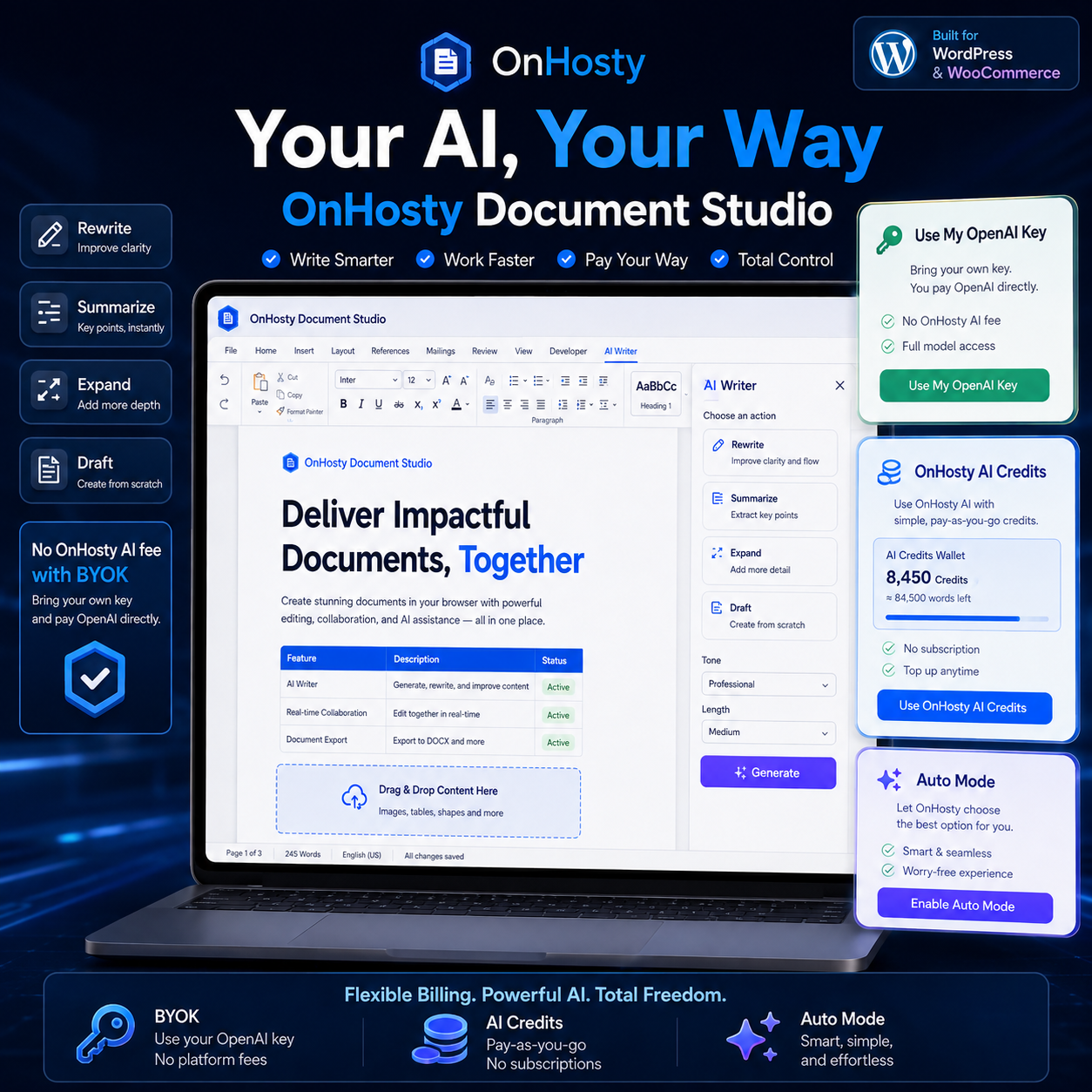
Document Studio is designed to support AI-assisted writing workflows.
Use AI-powered tools to help with tasks such as:
- Drafting content
- Expanding ideas
- Improving written content
- Rewriting text
- Generating document sections
- Assisting with business writing
This also gives Document Studio a foundation for deeper integration with AI workforce and business automation systems.
Voice Typing
Prefer speaking instead of typing?
Voice typing provides another way to create document content directly inside the editor.
Useful for:
- Brainstorming
- Notes
- Long-form writing
- Accessibility
- Quick document creation
- Dictation
Equations
Create documents that require mathematical or technical content using equation support.
Useful for:
- Education
- Training material
- Worksheets
- Technical documentation
- Mathematical content
- Research documents
Citations
Organize supporting references and citation information inside professional or educational documents.
Create better structured:
- Reports
- Research documents
- Articles
- Educational material
- Business studies
- Reference documents
Templates
Start faster using document templates rather than rebuilding common layouts every time.
Templates can help users create:
- Business letters
- Reports
- Agreements
- Forms
- Proposals
- Worksheets
- Internal documents
- Client documents
- Branded content
Save & Reopen Documents
Create a document today and continue working on it later.
Document Studio is designed to preserve document content along with supported object sizing and positioning so custom layouts remain intact when documents are reopened.
Built for WordPress
Everything operates from your WordPress-powered environment, helping you provide document creation as part of your own website, membership platform, business portal, customer workspace, or OnHosty service.
There is no need for users to leave your platform just to work on everyday documents.
Great For
OnHosty Document Studio can be used by:
- Small businesses
- Freelancers
- Entrepreneurs
- Students
- Teachers
- Agencies
- Content creators
- Administrative teams
- Remote teams
- Client portals
- Membership websites
- Business service providers
- AI-powered workspaces
Document Studio Highlights
- Browser-based document creation
- Rich text editing
- Drag-and-drop document elements
- Resizable and stretchable objects
- Movable tables
- Movable images
- Movable shapes
- Movable text boxes
- Signature tools
- Comments
- Track changes
- Document sharing
- Collaborative workflows
- Voice typing
- AI-assisted writing
- Equations
- Citations
- Templates
- Saved documents
- Visual layout editing
- WordPress integration
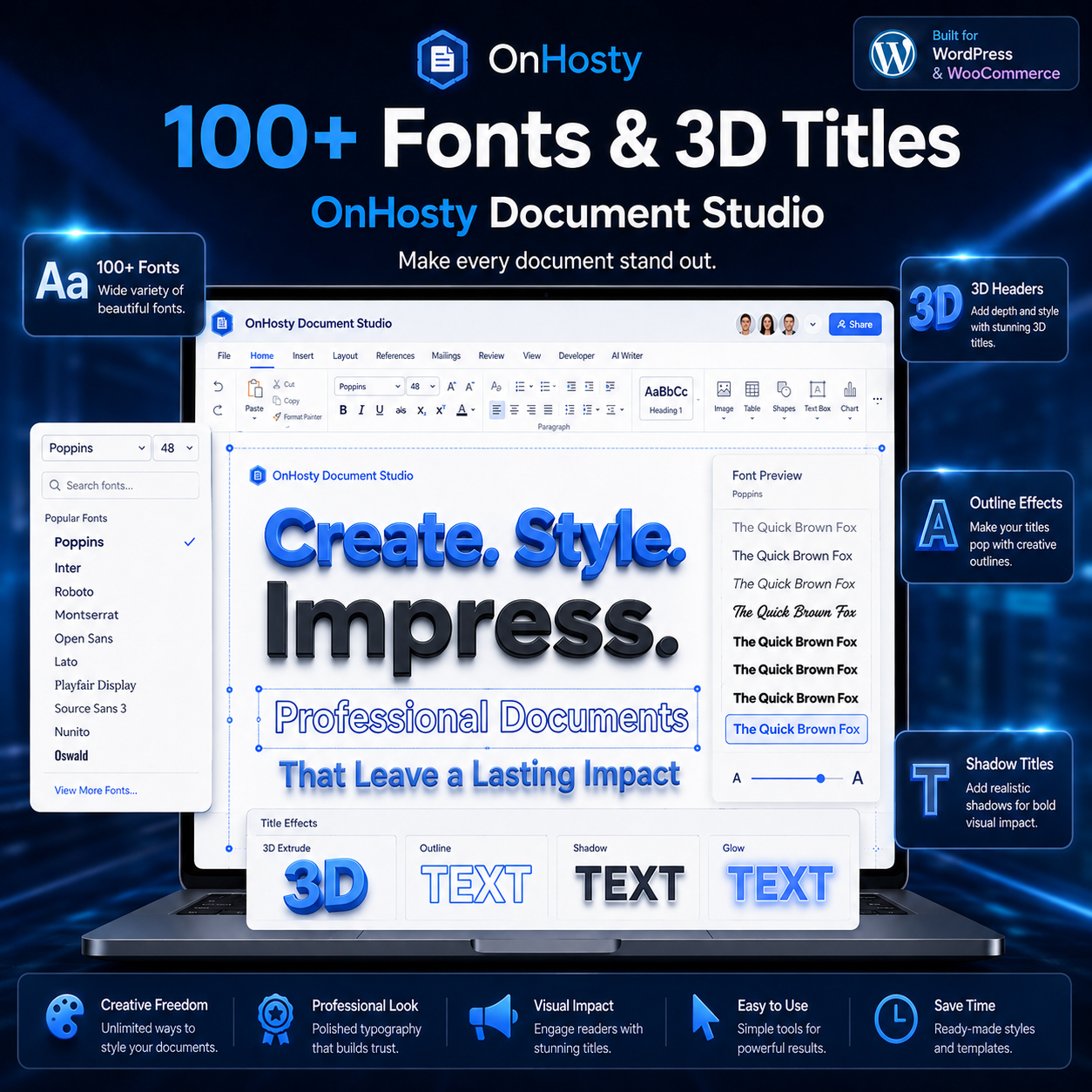
Build Documents Your Way
OnHosty Document Studio brings document writing, visual layout creation, collaboration, and intelligent productivity tools together inside one WordPress-powered workspace.
Whether you are writing a simple document or designing a complete professional layout, Document Studio gives you more control over how your content looks, where elements are positioned, and how your documents are created.
Write it. Design it. Move it. Resize it. Collaborate on it. Create it with OnHosty Document Studio.

Reviews
There are no reviews yet.